
For this example we will be using the different multi select fields in the contact page
First navigate to the “Edit View” of the module
To edit an existing record click
Actions > Edit
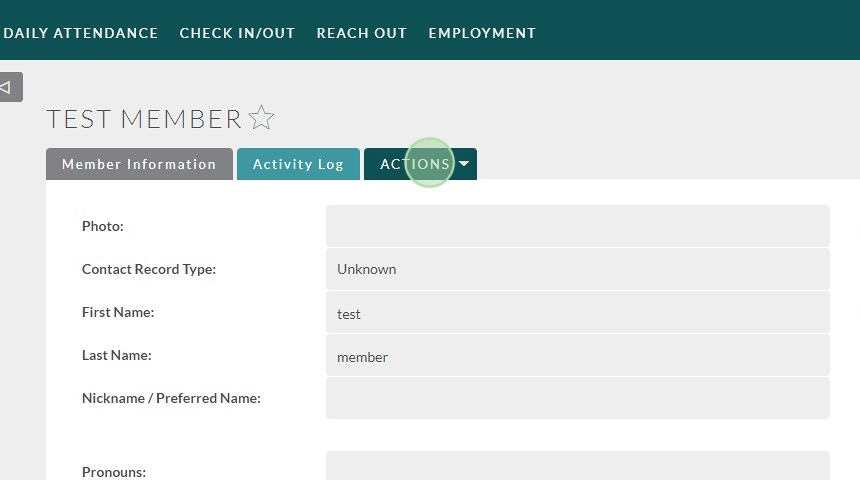

To create a new record, use the Create/Add options under the module you’re using

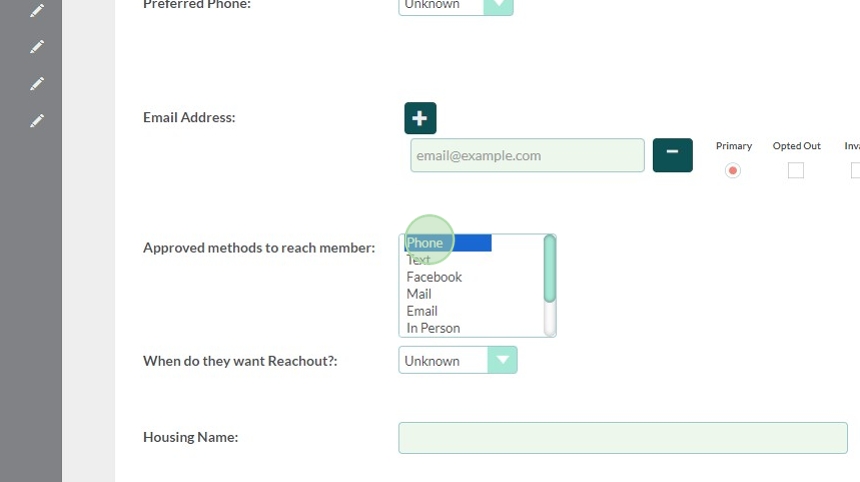
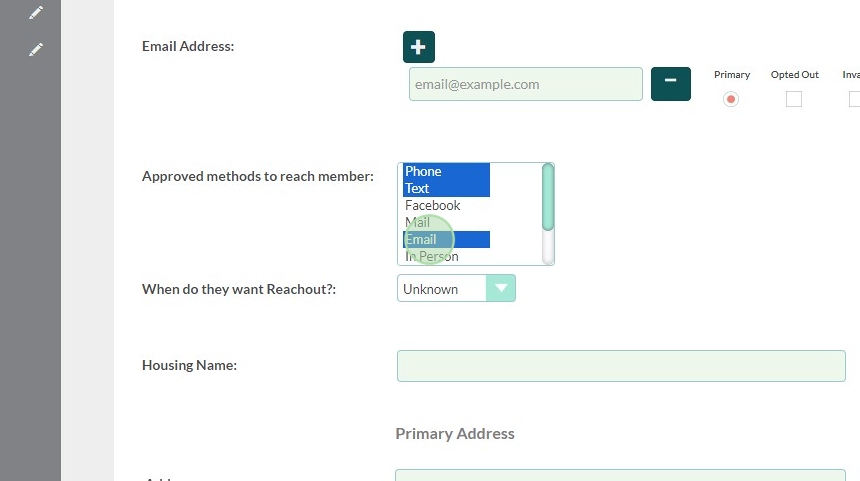
Find the multi-select field you would like to update.
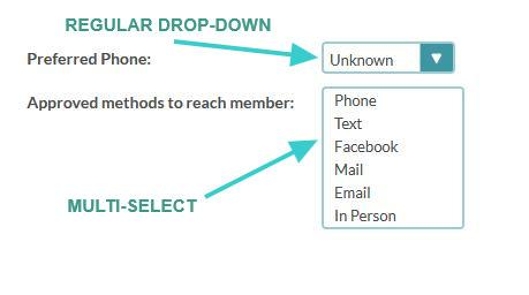
Tip: To identify a regular (single select) drop-down from a multi-select:
Regular drop-downs have an single with only one options showing, and an arrow to expand the list.
Multi-Select drop-downs are easily identifiable by the open box with a list of visible options.
If you need to select more than one option, hold down the Control key and select all options you would like to add
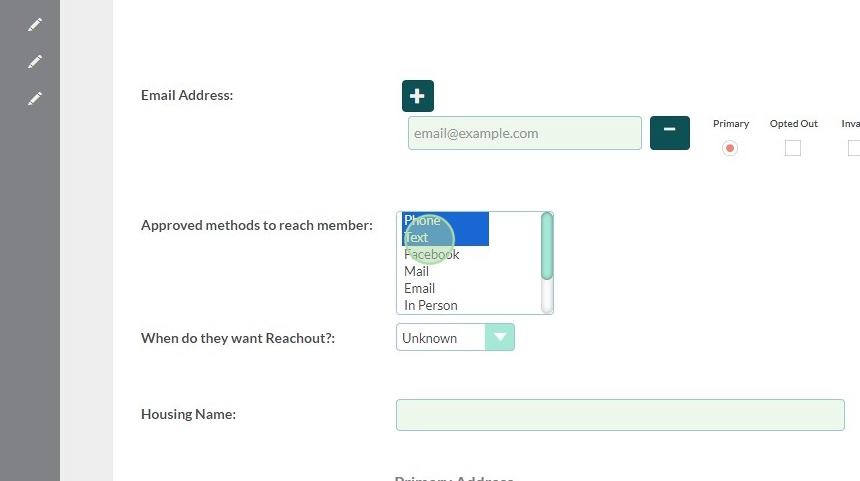
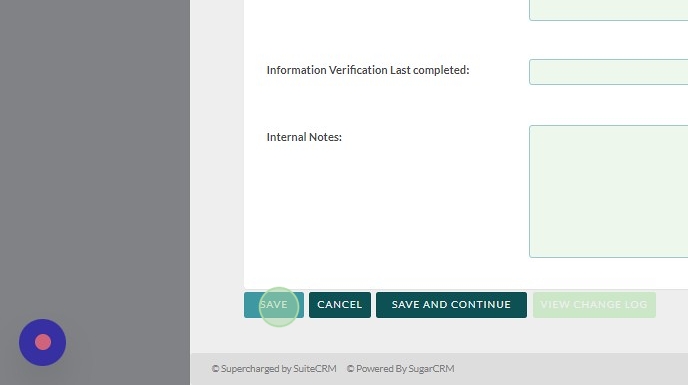
Once you are done, click Save at the bottom of the page.
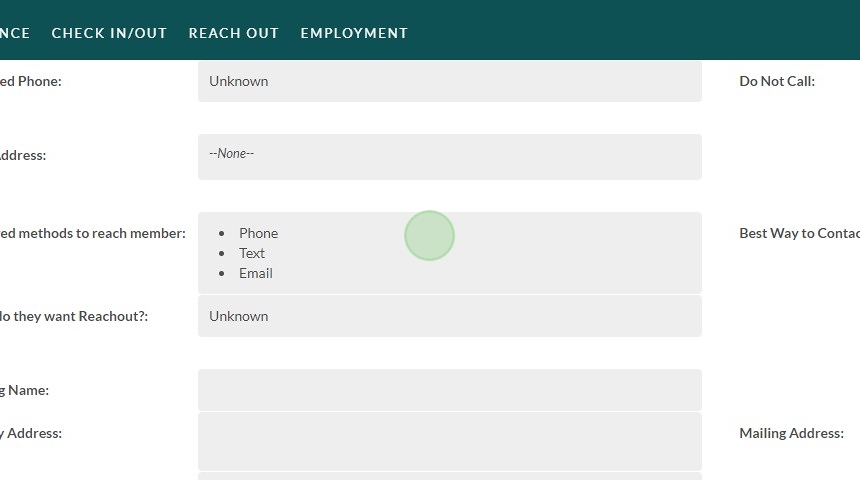
We have now saved more than one option!
Tip: If you are having issues with this process please reach out to the Flourish Team via Support Ticket on our website: https://www.clubhousedata.org/request-support/