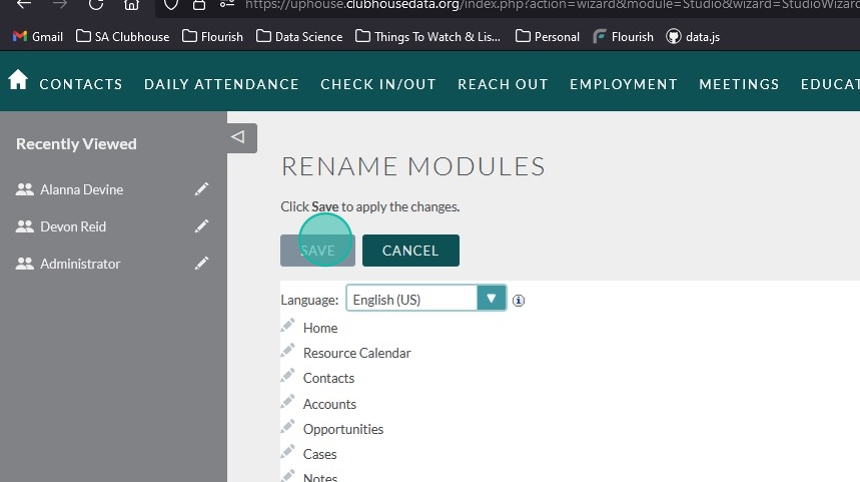
Sometimes the terminology your organization uses is different than ours. We understand and have given System Admin the ability to change those labels to meet the needs of each individual clubhouse.
Navigation #
From anywhere in Flourish:
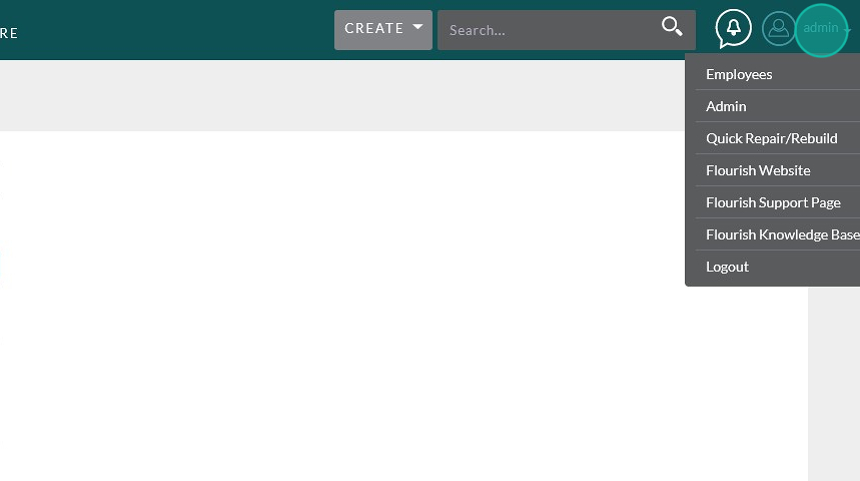
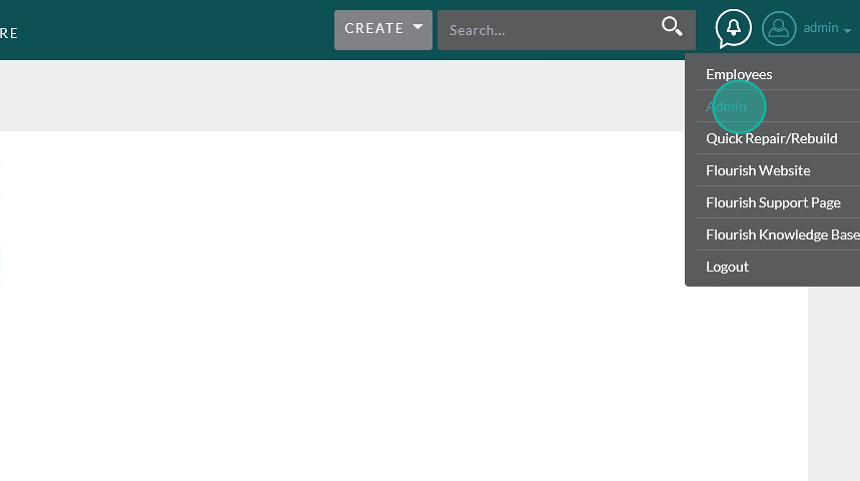
Click on your username in the upper right corner, then choose “Admin” from the drop-down.
Scroll down to Developer Tools and click “Studio”
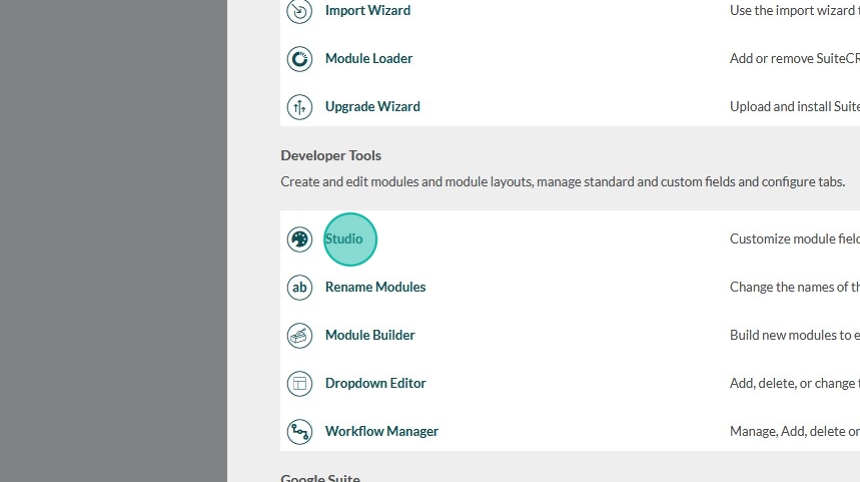
Once in the Studio, choose the module where you would like to change the label.
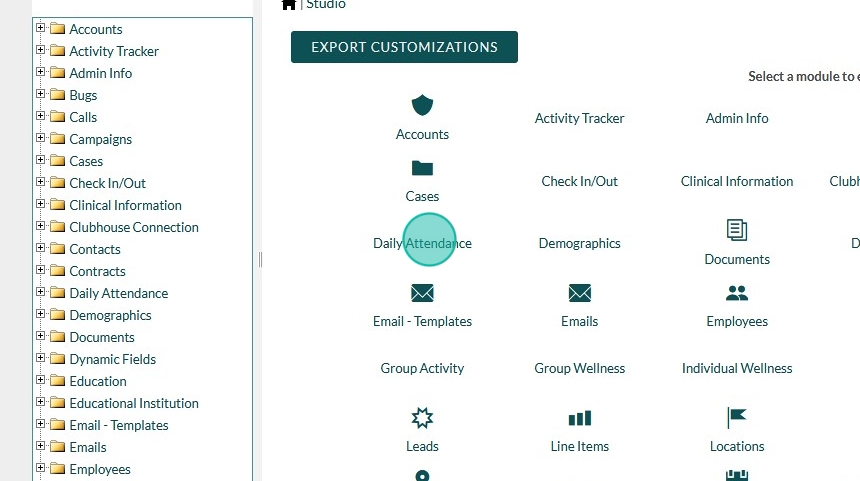
Click “Labels”

Changing the Label #
Find the label you would like to change.
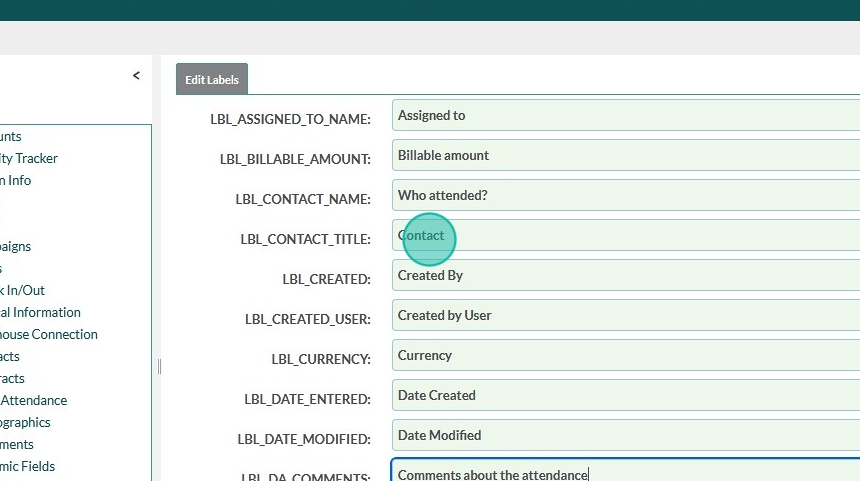
You can use <ctrl> + f (or <cmd> + f on a mac) to search for the label you would like to change. This makes it easier when the list of labels is fairly long.
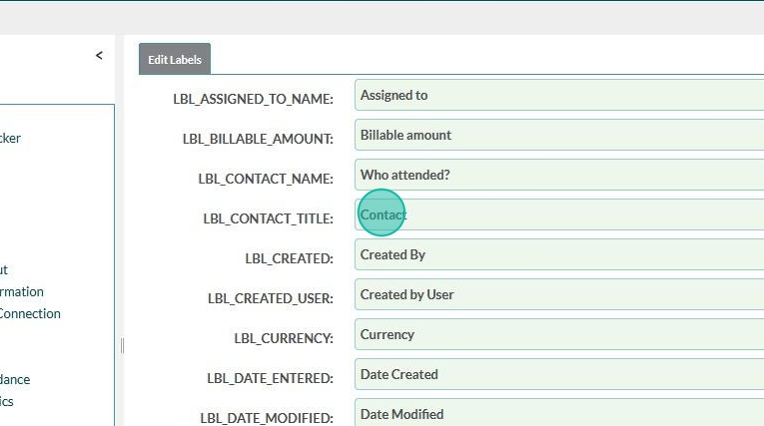
Delete the previous text, and replace it with your new label.
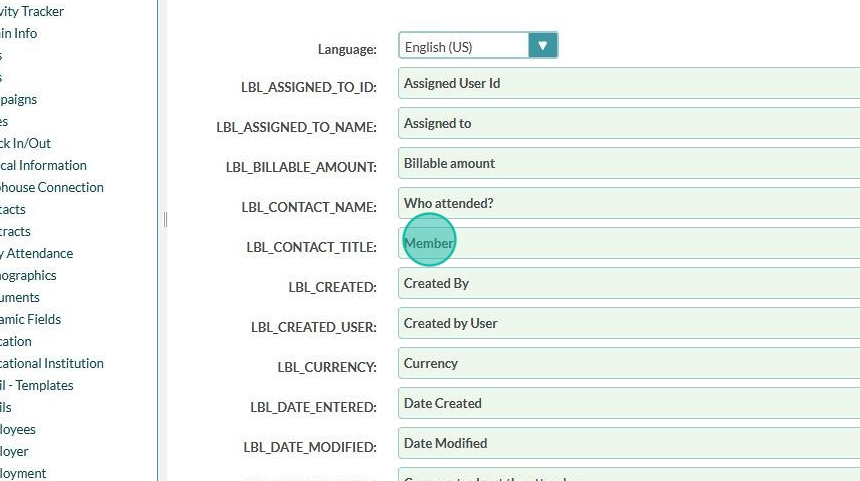
Click “SAVE & DEPLOY” to save your changes.
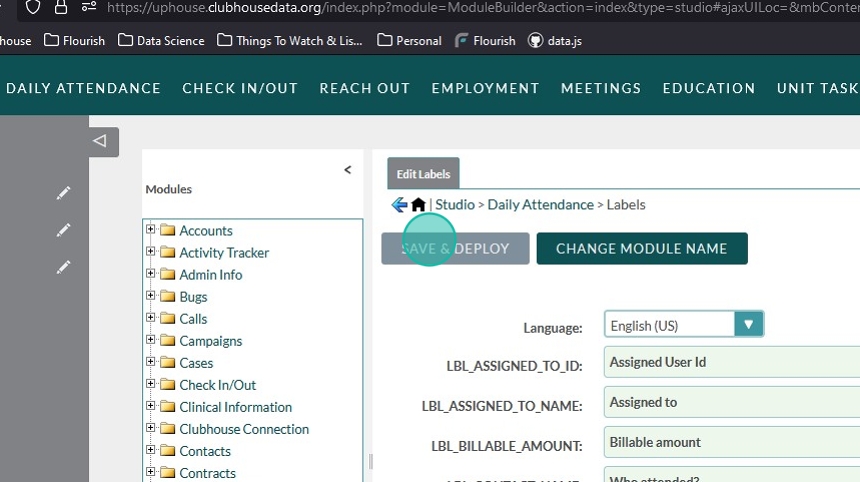
Changing Module Names #
At the top of the Labels screen from the previous steps, click on “Change Module Name”
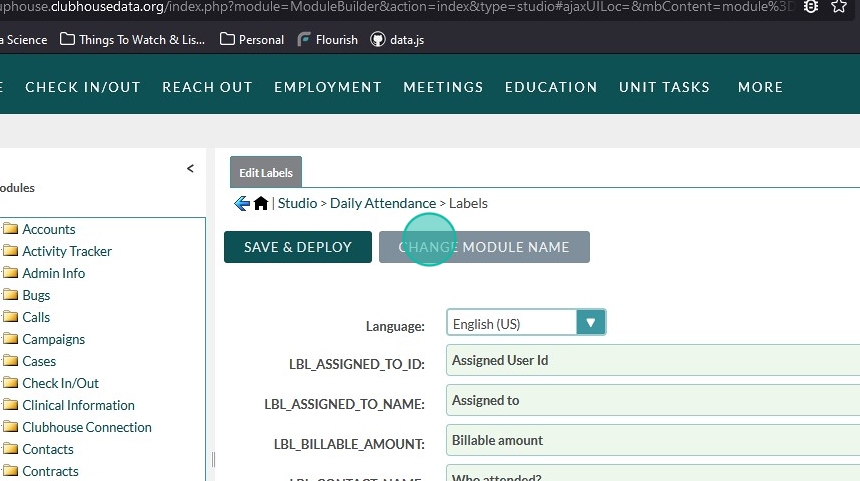
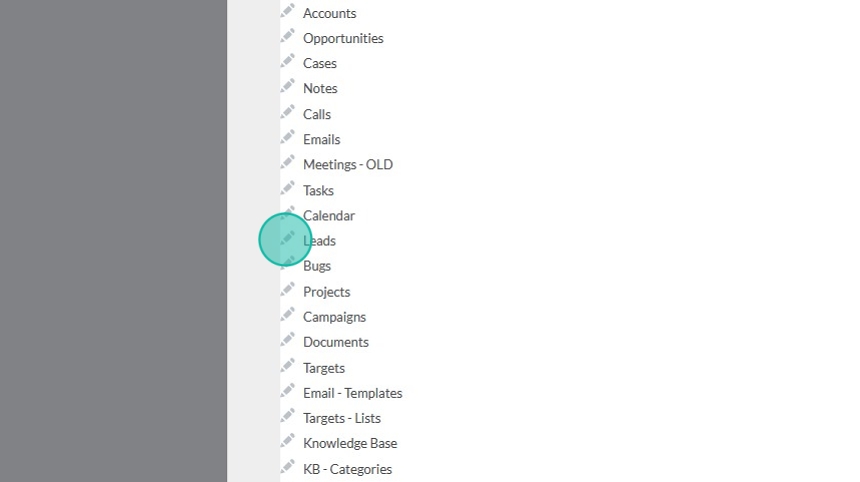
Choose the module name you would like to change.
Note: There are several modules in here that are not currently used inside of Flourish. You can use the <ctrl> + f tip to find the module name you’re looking for quickly.
Change both the Singular and Plural labels
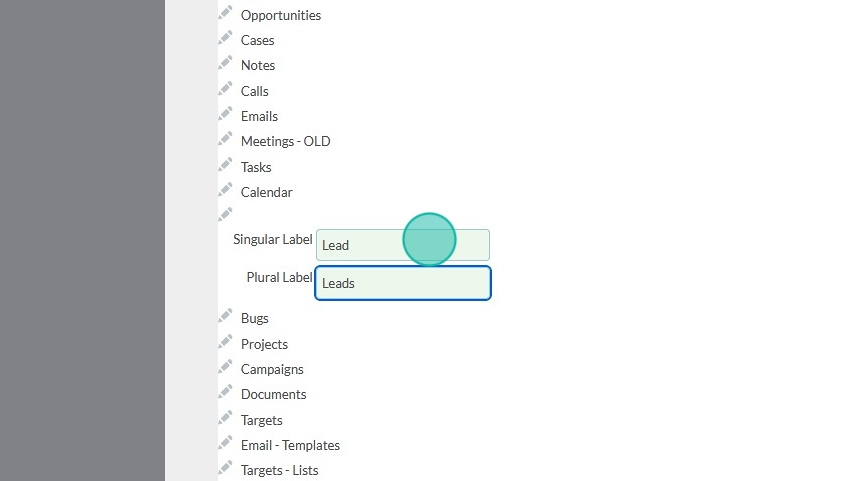

Scroll to the top and click “SAVE” to apply your changes