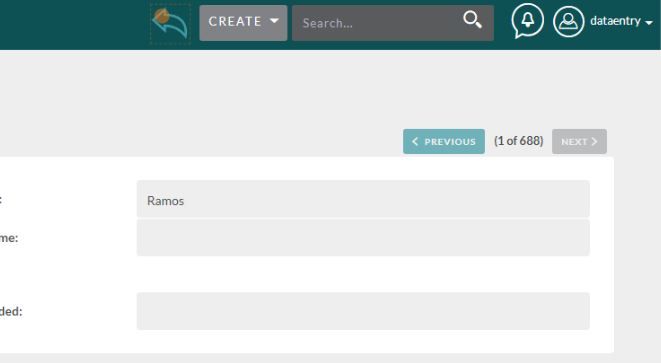
The Masquerade Tool allows you to see other profiles in a “View As” mode.
Navigation #
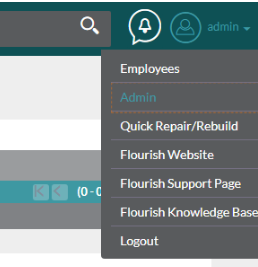
To begin, click on the admin option in your settings at the top right.
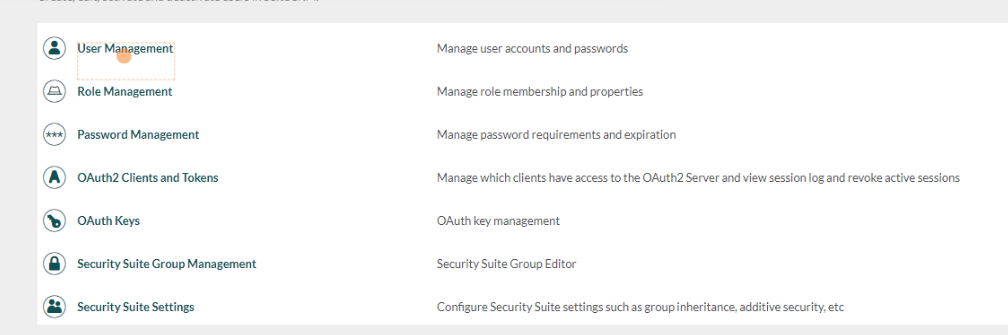
To see the list of users, go to User Management.
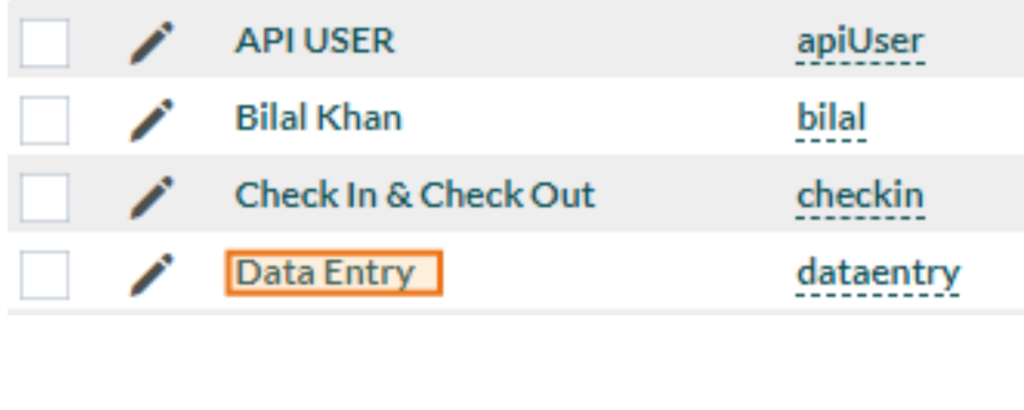
Select the account you would like to masquerade as. For this example, we’ll be using the Data Entry account.
Masquerading #
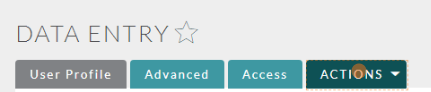
Once in the profile, click on Actions.
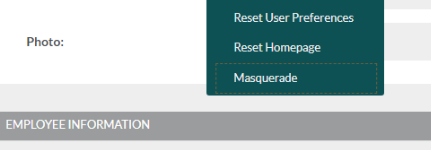
Next, click on Masquerade.
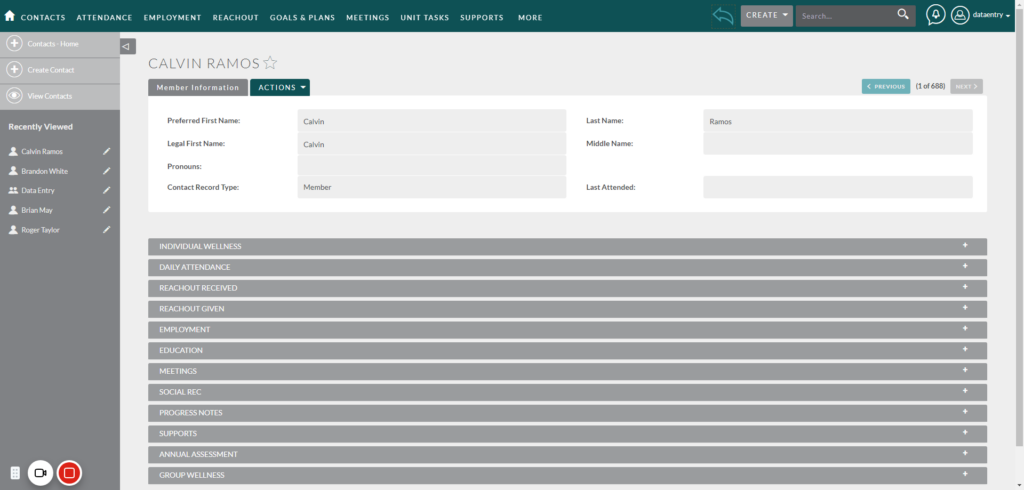
You are now able to use the site as if you only had the permissions of the user you’re masquerading as.

For example, if we look at a record in contacts, we now have a very limited view of other members.
Getting Back to Your Own View #
To return to normal view, click on the arrow next to the Create dropdown at the top of the screen.