This tutorial will show you how to set settings that are unique to your organization,
Navigation #
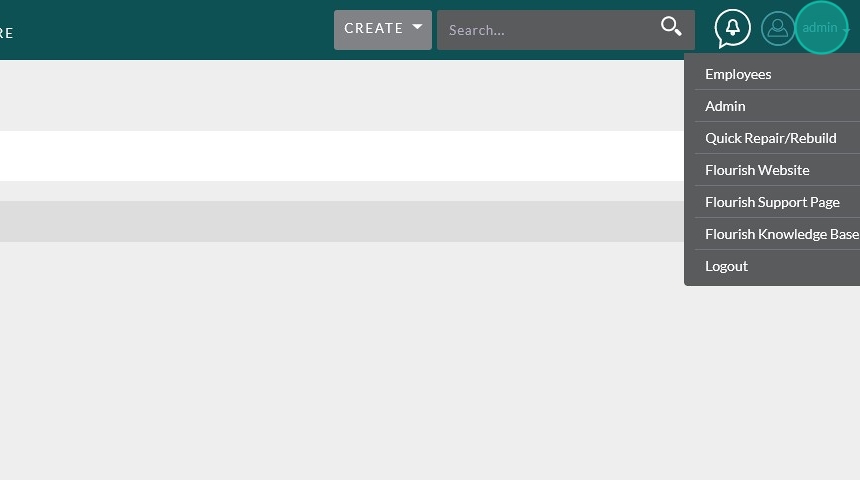
From anywhere in Flourish, navigate to the admin screen by hovering over your username and clicking “Admin”

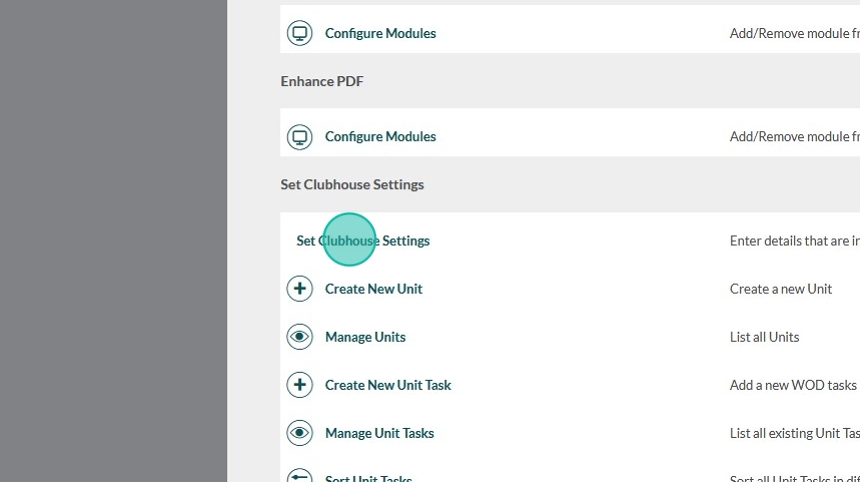
Scroll toward the bottom of the page and click “Set Clubhouse Settings”
Setting the Settings #
Note: We are frequently adding to these these settings. Over time settings may appear in the system that are not yet noted in this tutorial.
Here you can change things like:
- Your local time zone (only change the time zone here, not in user or local settings)
- Earliest check in/out times
- Billing information
- Reachout Settings
- Release expiration periods
… and more
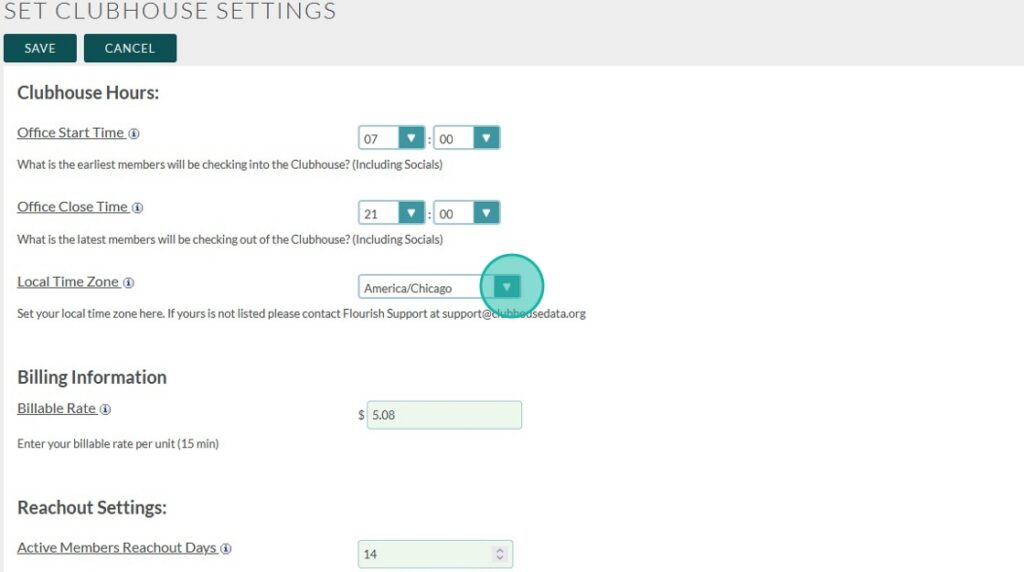
Only change your time zone in this menu! Changing it in the system settings will mess up how data is recorded in the database. The individual user settings should always be set to UTC (GMT+0:00)
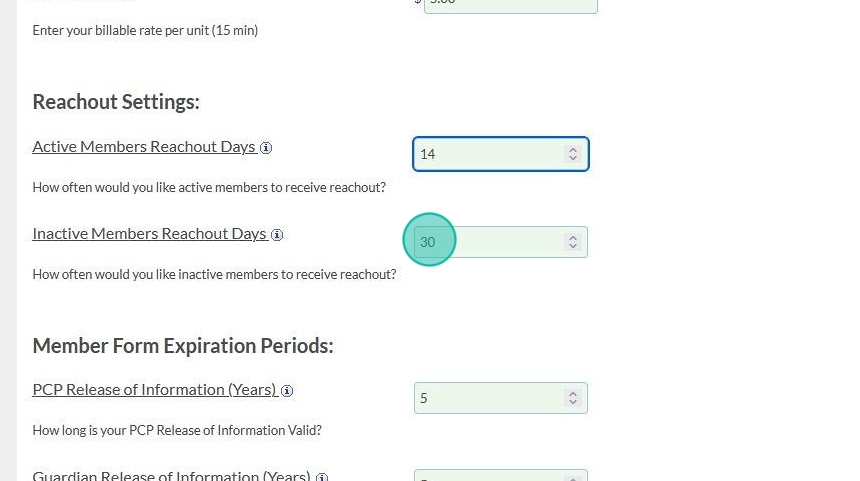
Reachout Settings:
You can set different settings for how often you would like Active and Inactive members to receive reachout

Release and Information Verification Settings:
Here you can set how often your releases expire and how often you would like to do an information verification.
- Releases default to years
- Information verification allows you to set years OR months
Since Flourish has the built incapability to track changes over time we recommend doing information verification frequently. This allows you to get an accurate picture of how life events and clubhouse involvement might go hand in hand.

Tip!
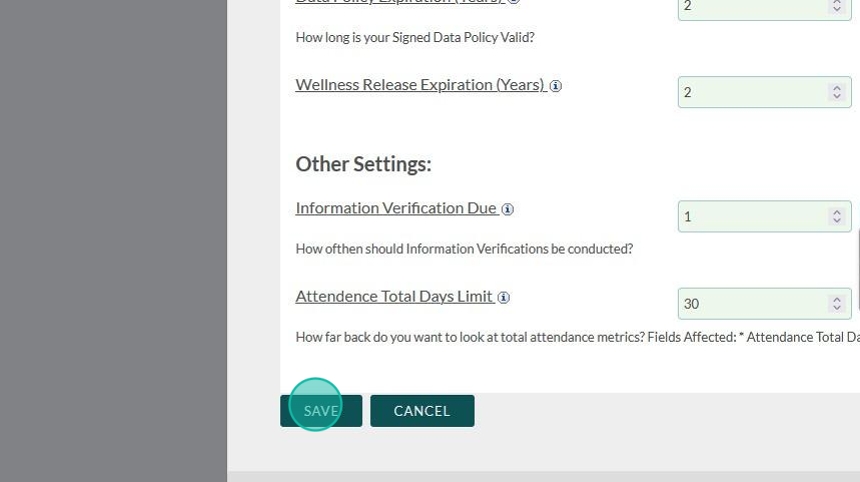
Once you set your release and information verification settings, Flourish will automatically calculate expiration dates when you update the date your release was signed.
You can update the signed date on an individual member’s profile under “Admin Panel”
Make sure to save your settings to make these changes take effect