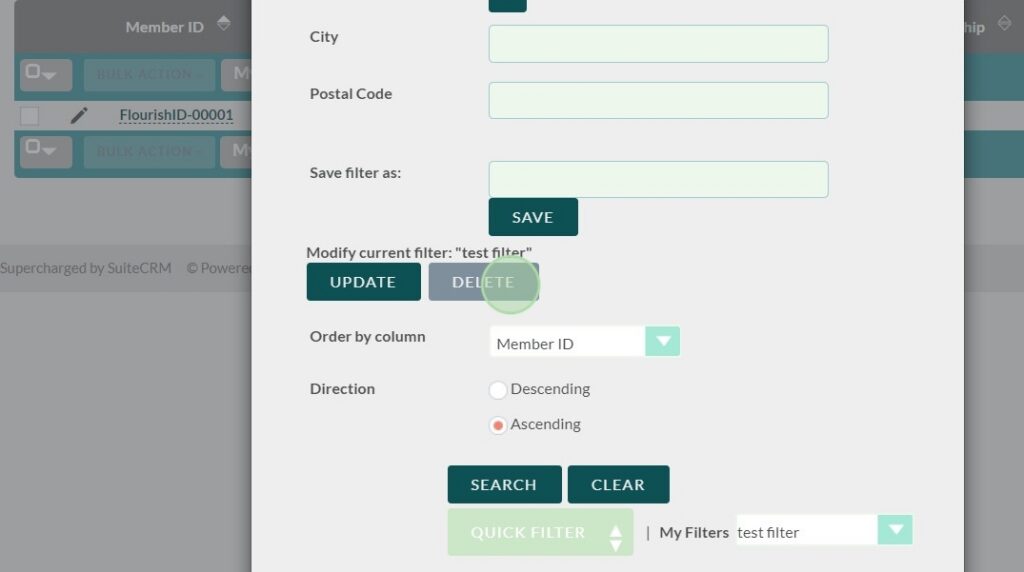
The Filter Button #
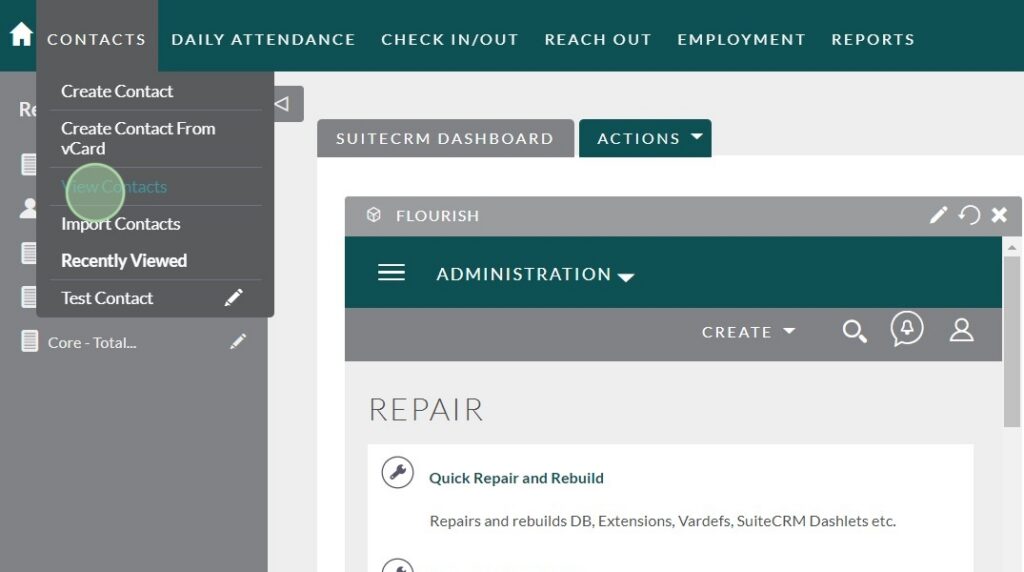
Navigate to the List View of the module you would like to filter.
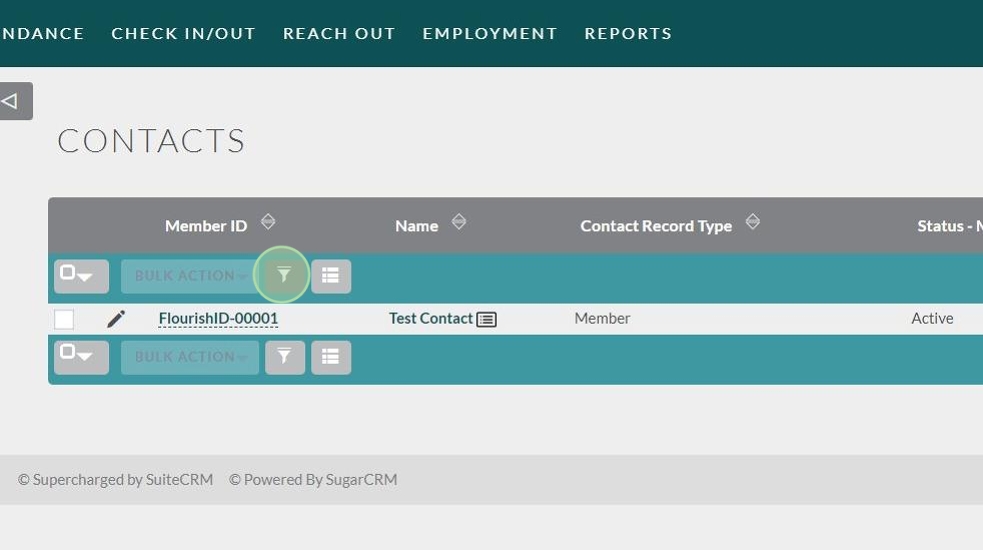
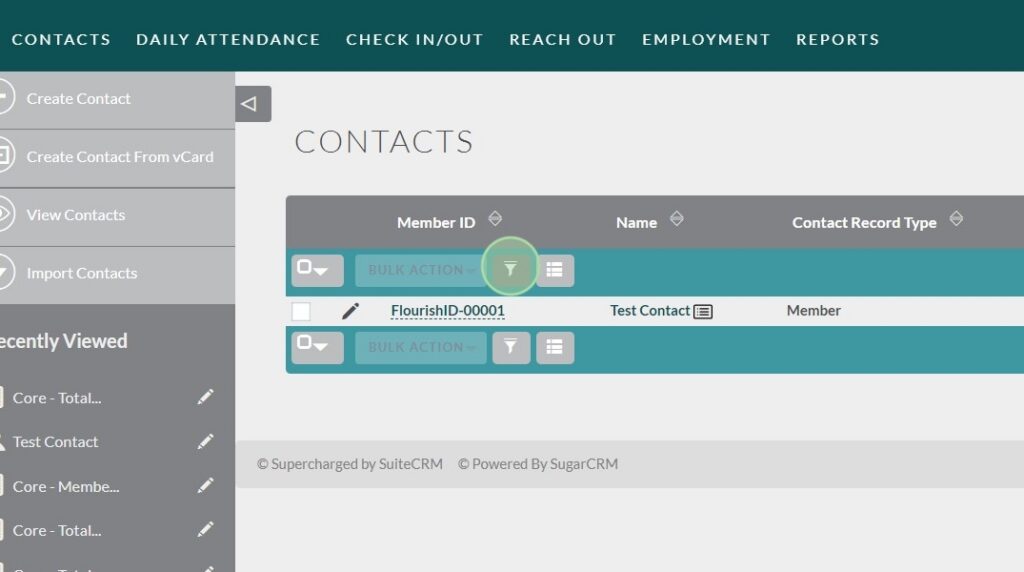
At the top of the list of records:
The filter button is grey funnel icon next to “Bulk Action” and the column chooser button.
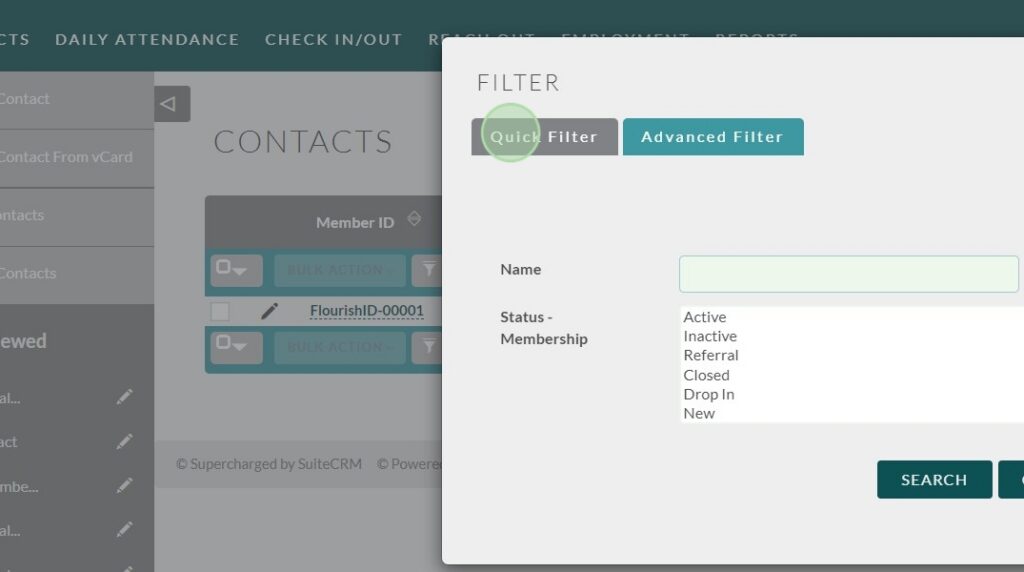
Once you click on the filter button a filter pop up will appear with two different filter options. Quick filter will let you search by a name and/or membership status.
Tip: The Advanced Filter will give you a wide range of fields to filter by.
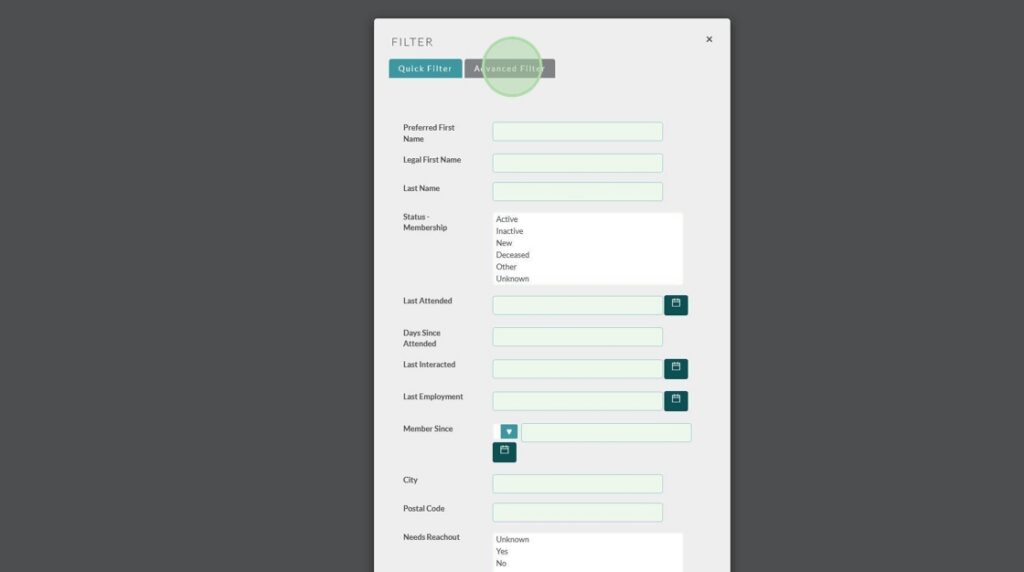
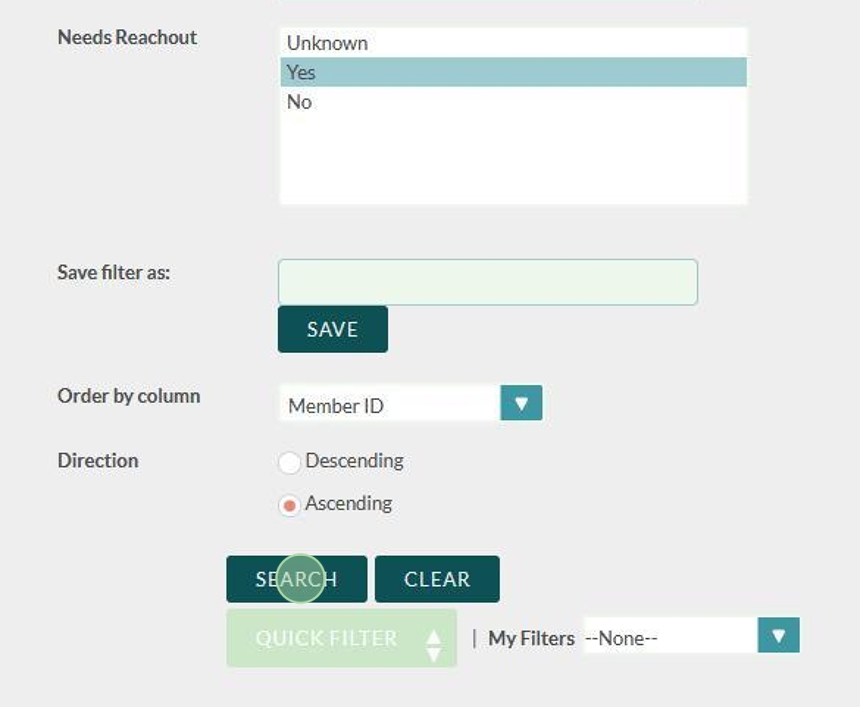
Choose your options, and then click Search.
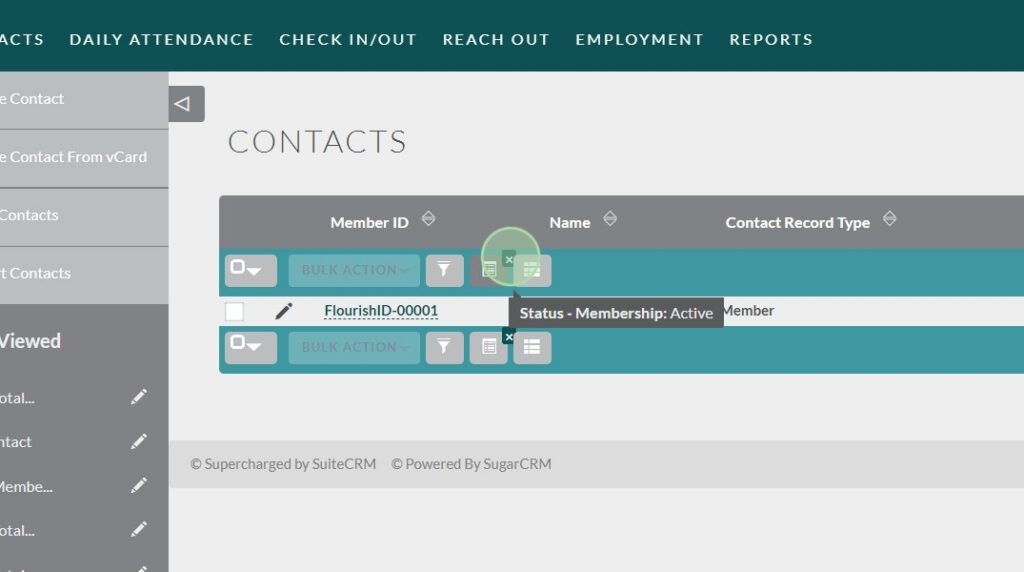
Once a filter is applied a new button will appear that will let us change or delete the filter we just created.
- To change the filter, click on the filter button again.
- To delete the filter simply click the “X” on the new button.
Bonus Content #
In the “Advanced Filter” we can filter out contacts based on a multitude of different options, we can also name our filter and save the filter for later use.

We can also delete the filter and search for other saved filters, using the “My Filters” dropdown.