
Note: Only system admins can change passwords!
For the time being the “Forgot Password” feature in Flourish is not functional and system admins will need to change passwords for individual users who forget theirs.
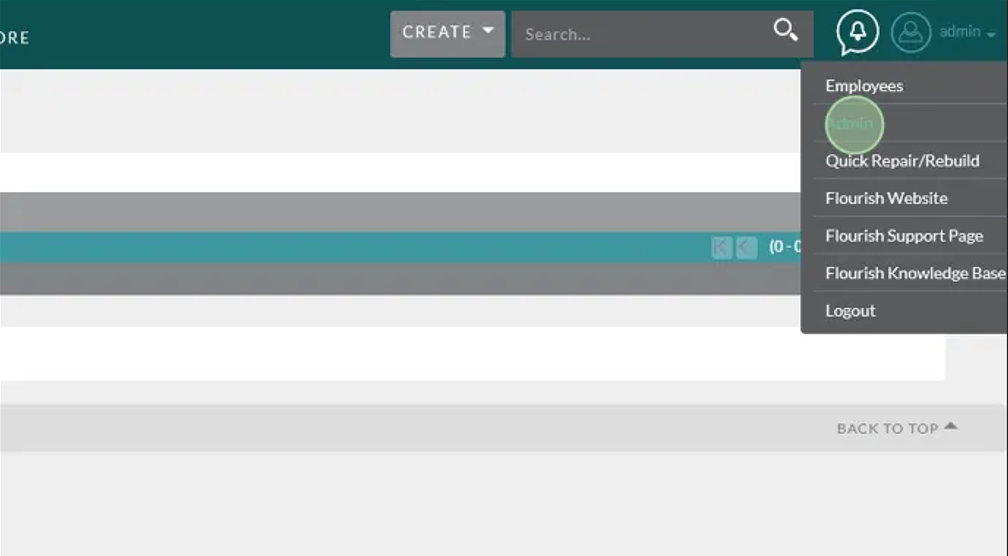
From anywhere in Flourish, Navigate to the admin panel by hovering over your username in the upper right hand corner, then clicking Admin
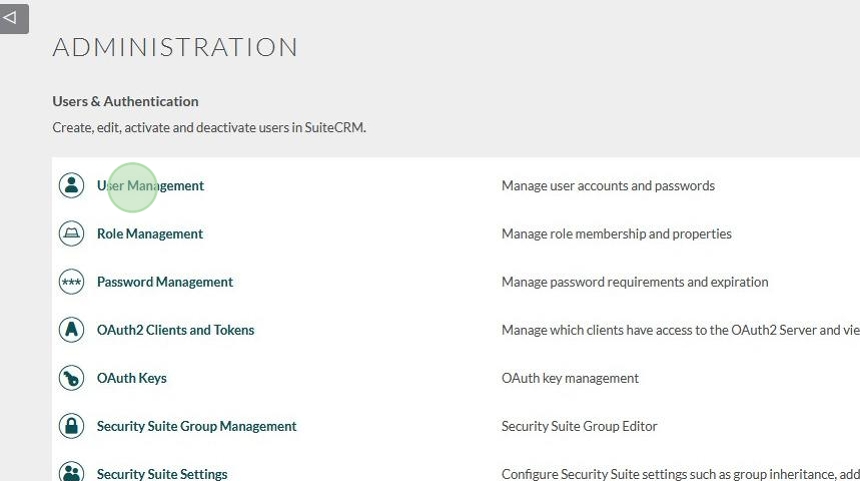
Click “User Management”
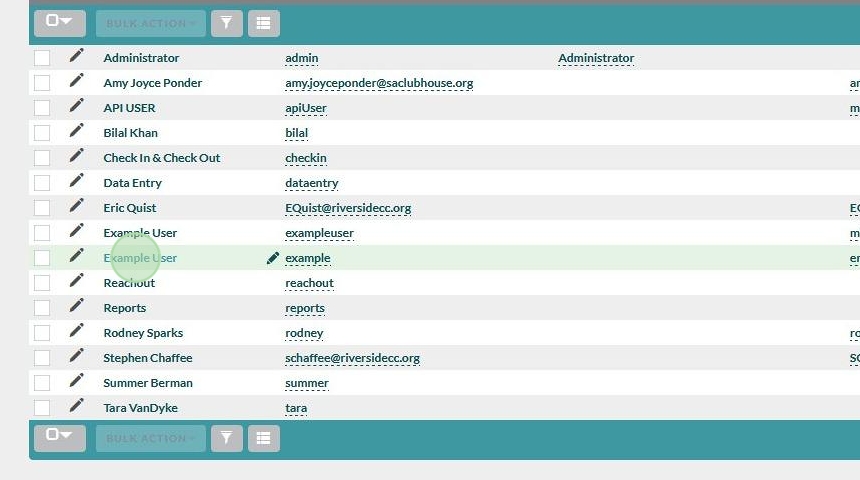
Select the profile of the user who’s password needs changed
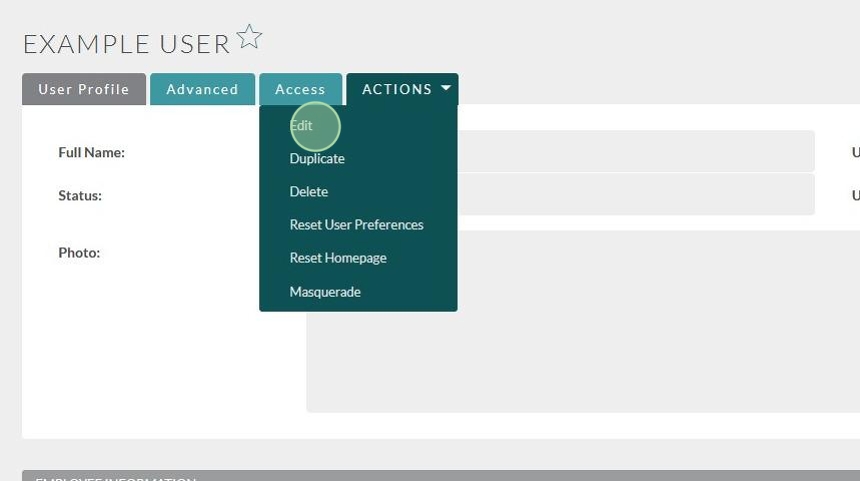
Click Actions > Edit
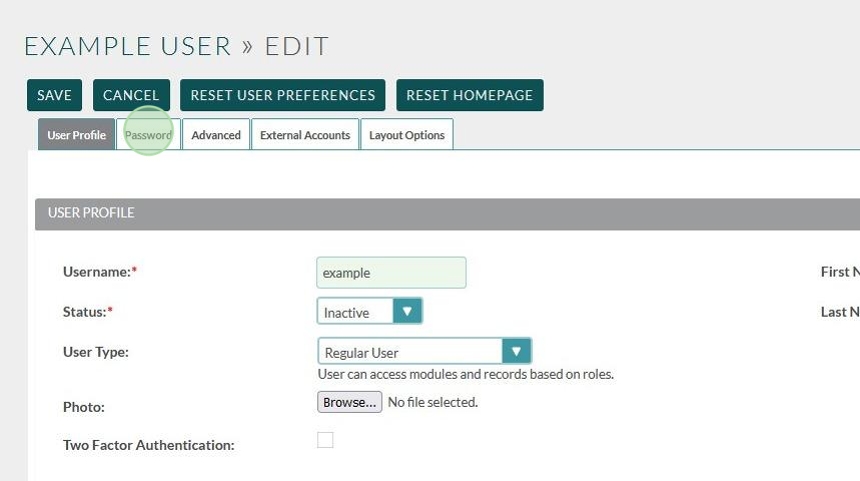
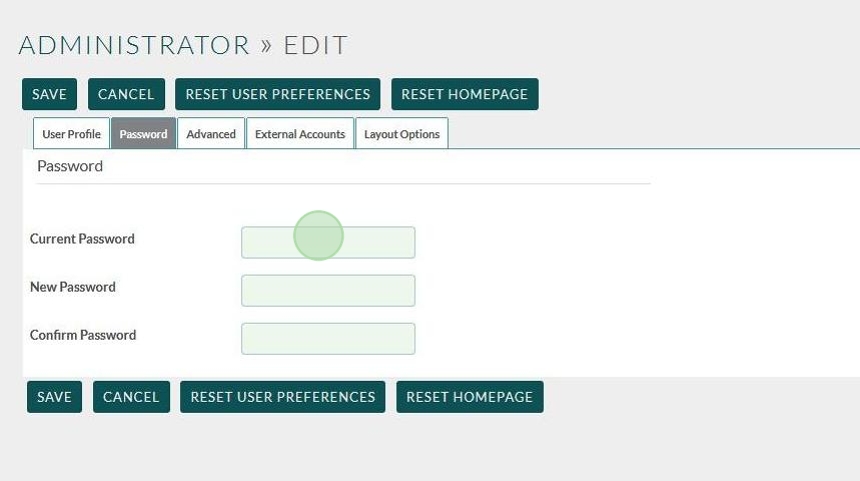
Click the Password tab
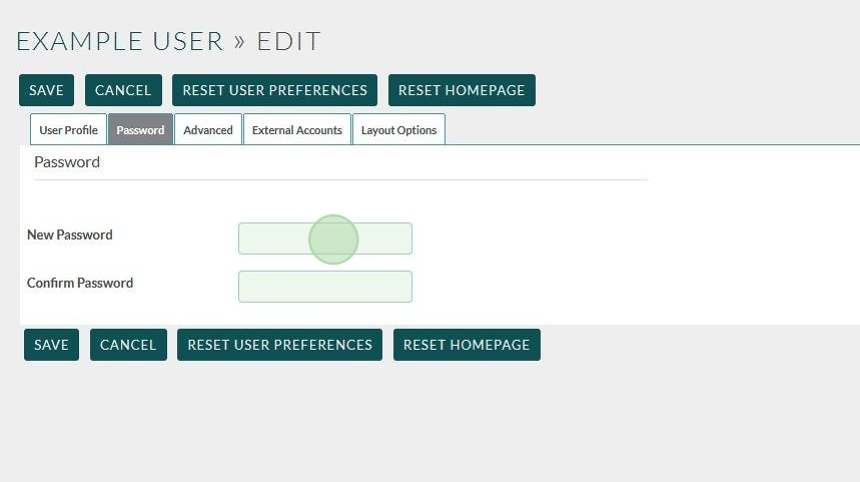
Enter the new Password
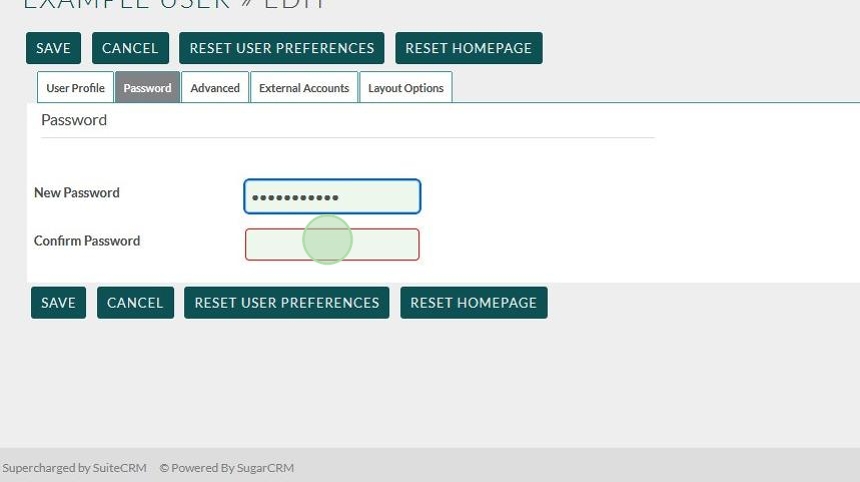
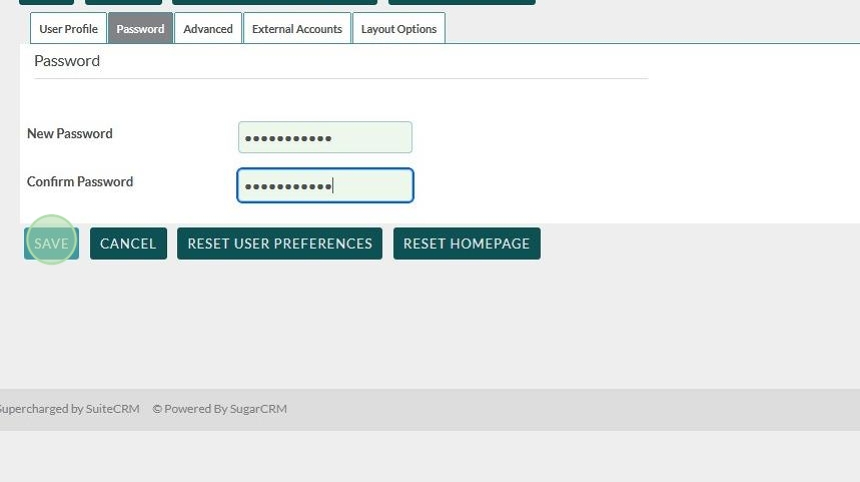
Click Save
Note: If you are changing your own password you’ll need to also enter your current password.
Tip: If you are having issues with this process please reach out to the Flourish Team via Support Ticket on our website: https://www.clubhousedata.org/request-support/