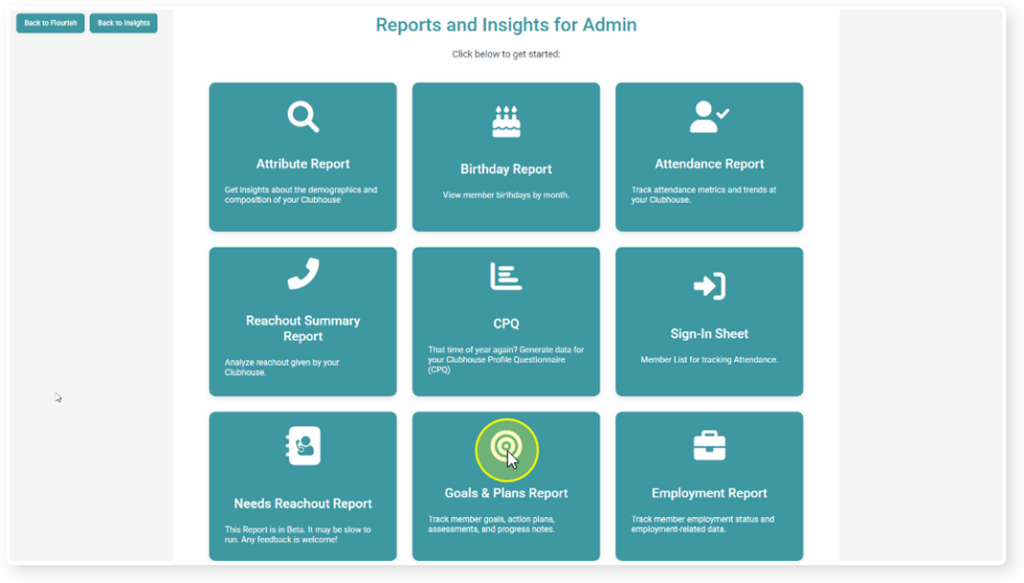
Click “Goals & Plans Report” in your reports tab.
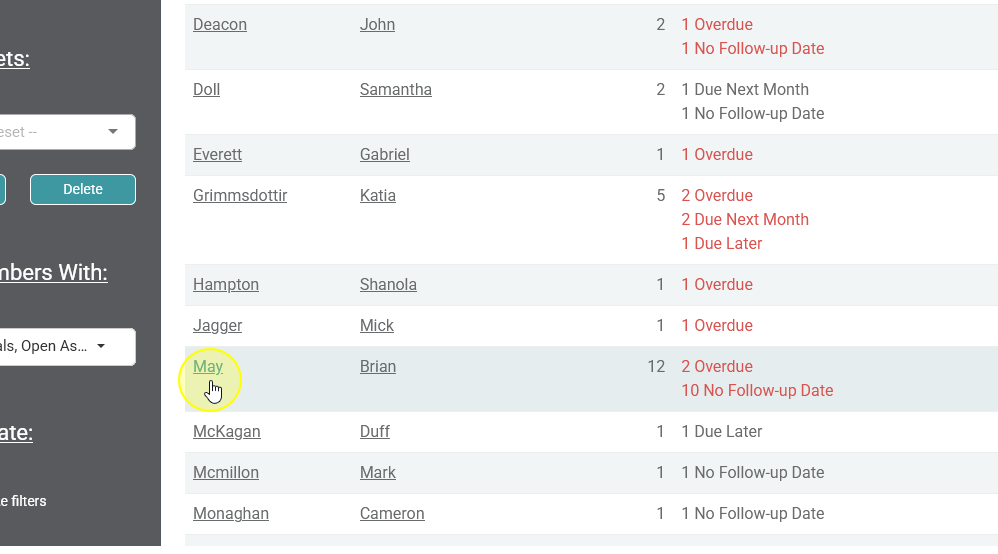
Find the member who’s goal you would like to print in the table
Printing an Assessment with Goal Summaries #
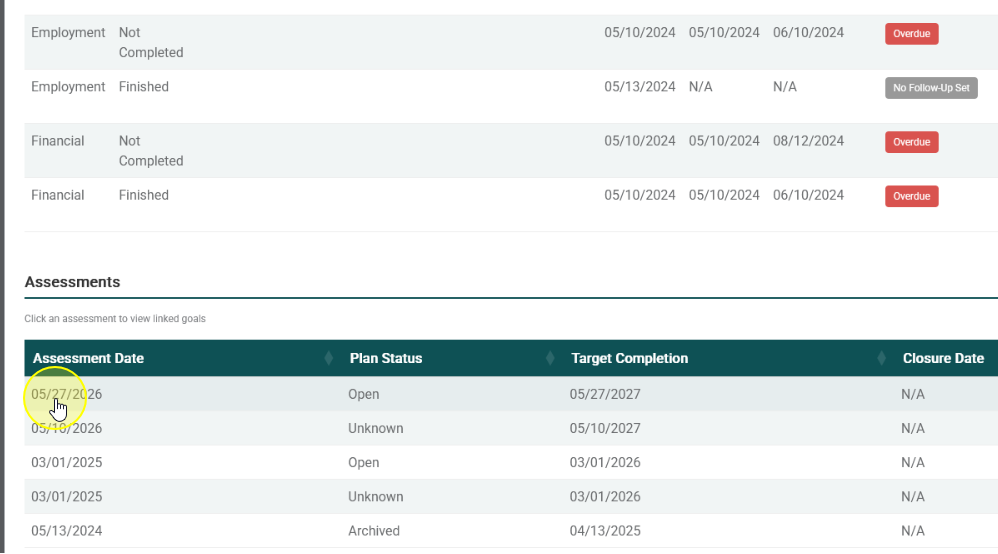
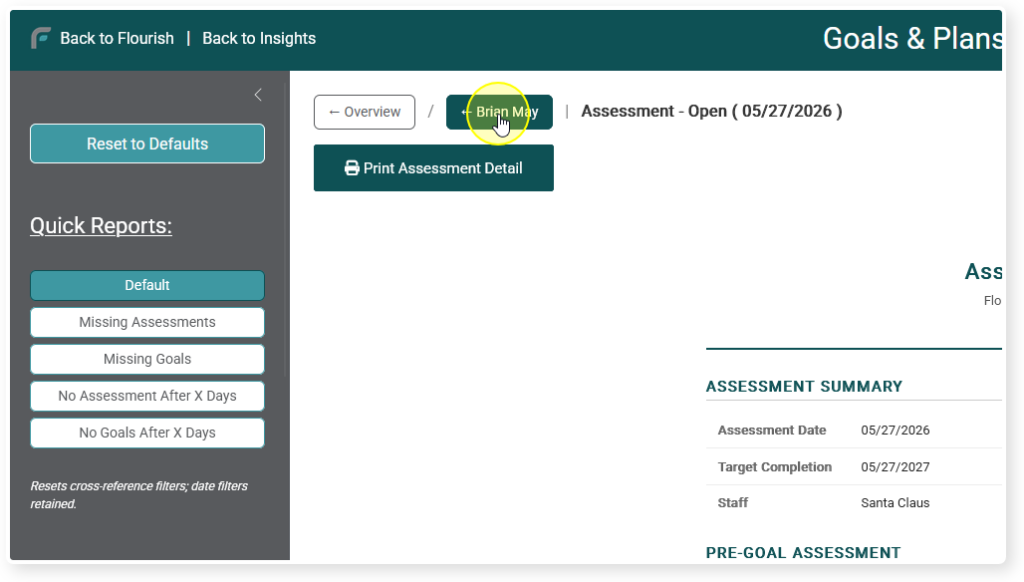
Find the assessment you would like to print and click on it
You will see a view of the assessment and associated goals
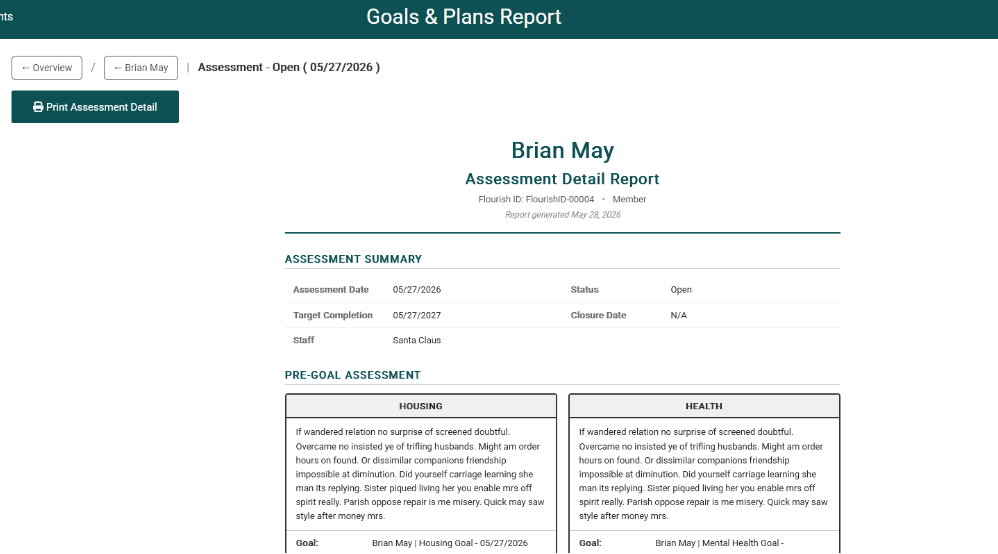
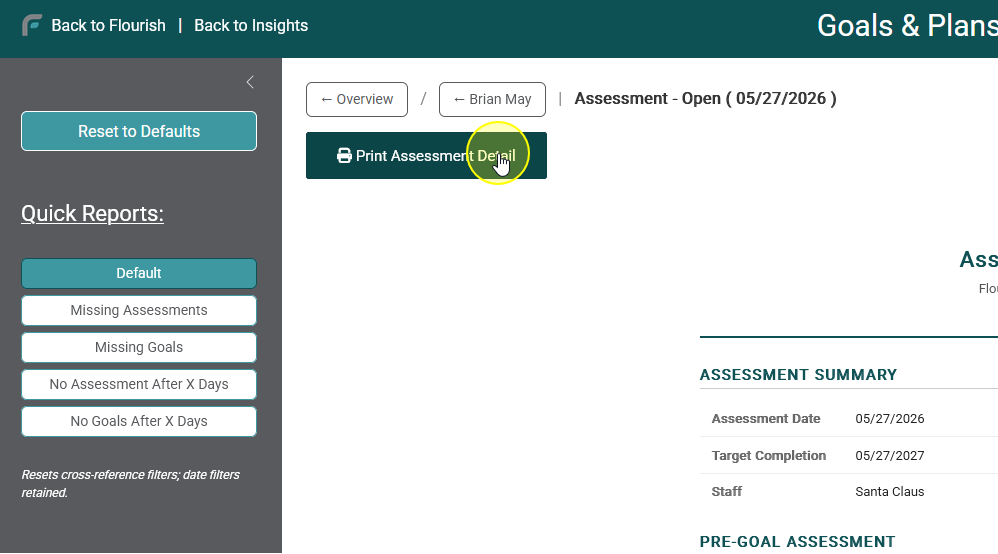
Click “Print Assessment Detail”
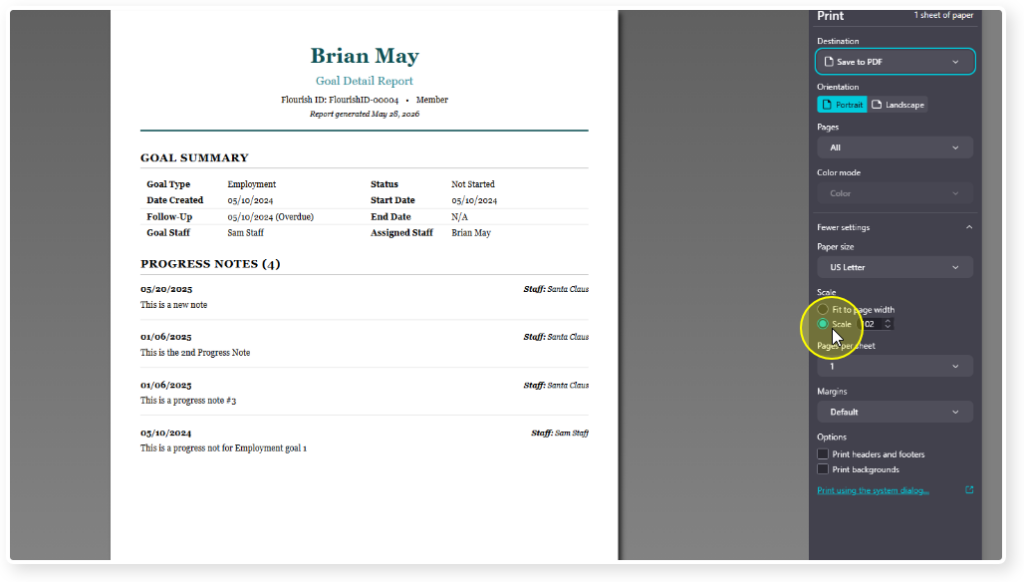
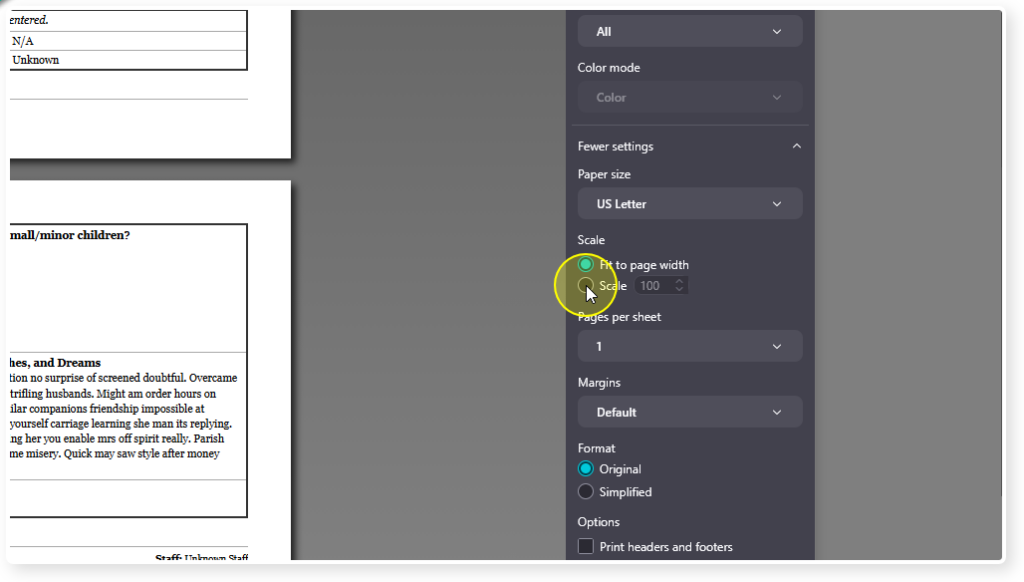
You may need to adjust the scale to fit on the screen
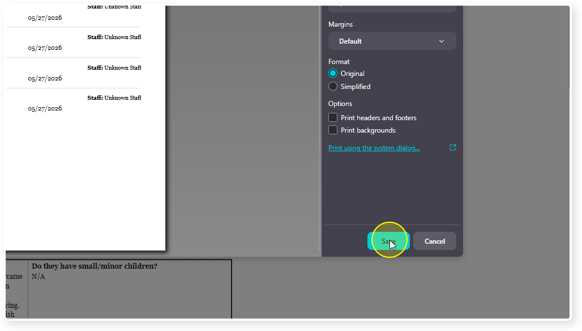
Click Save to save to PDF, or Print to print to paper
To navigate back to the member summary, click on their name in the upper left corner of the window
Printing a Goal with Progress Notes #
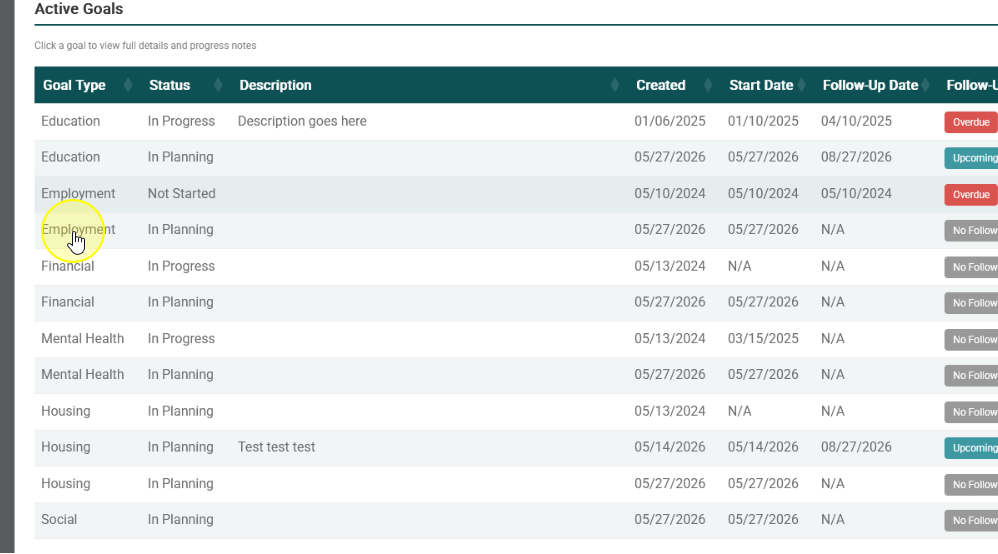
Click on the goal
Click on “Print Goal Detail”
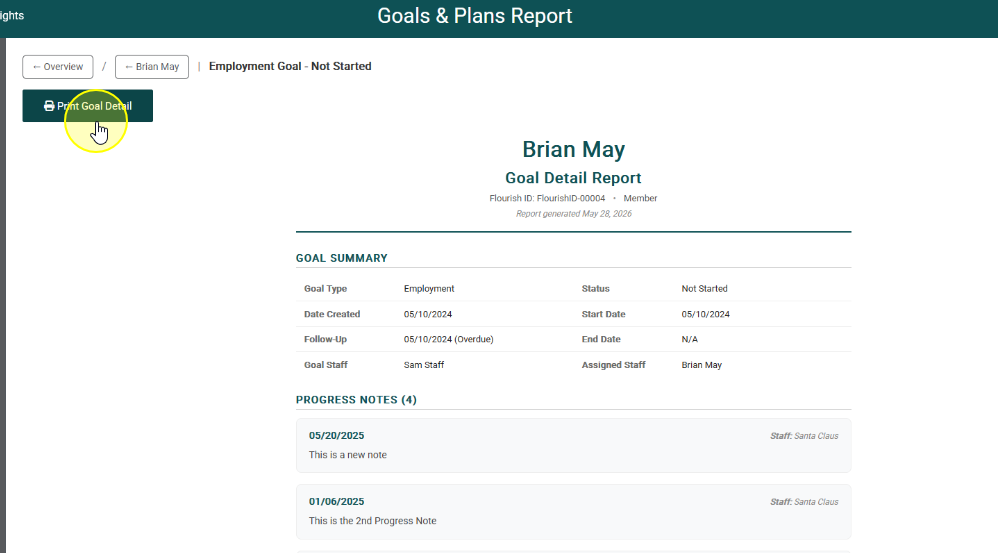
Adjust scale as needed, and print