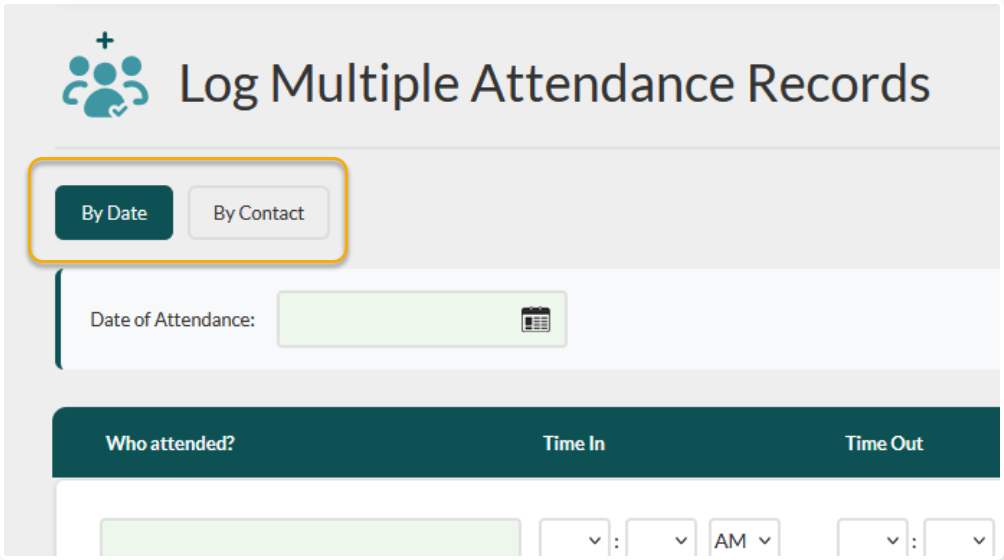
Multi-Entry screens can be extremely useful for bulk data entry, but sometimes the default options don’t cover everything you need to capture. You can now set your own layouts for these in Flourish!
Navigation #
Hover over your username in the upper right hand corner
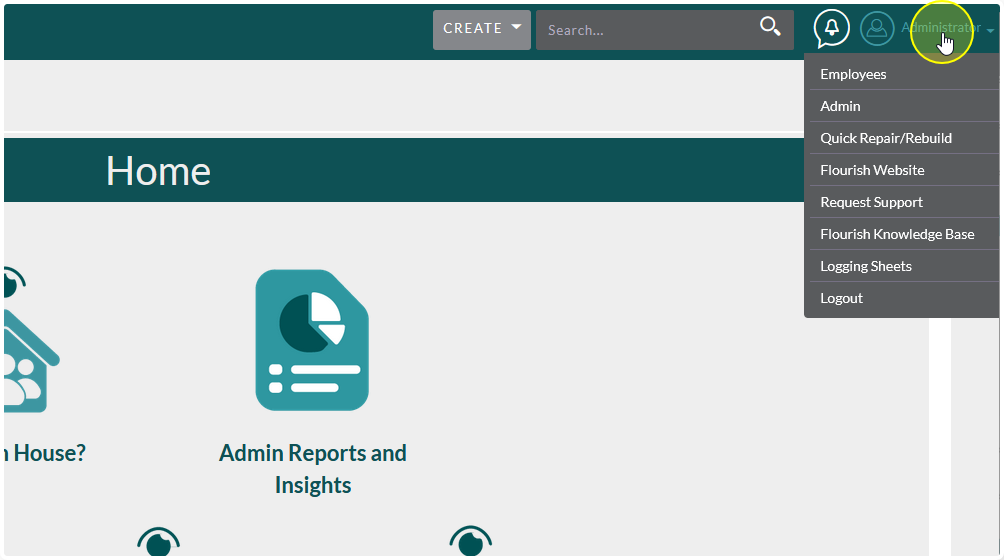
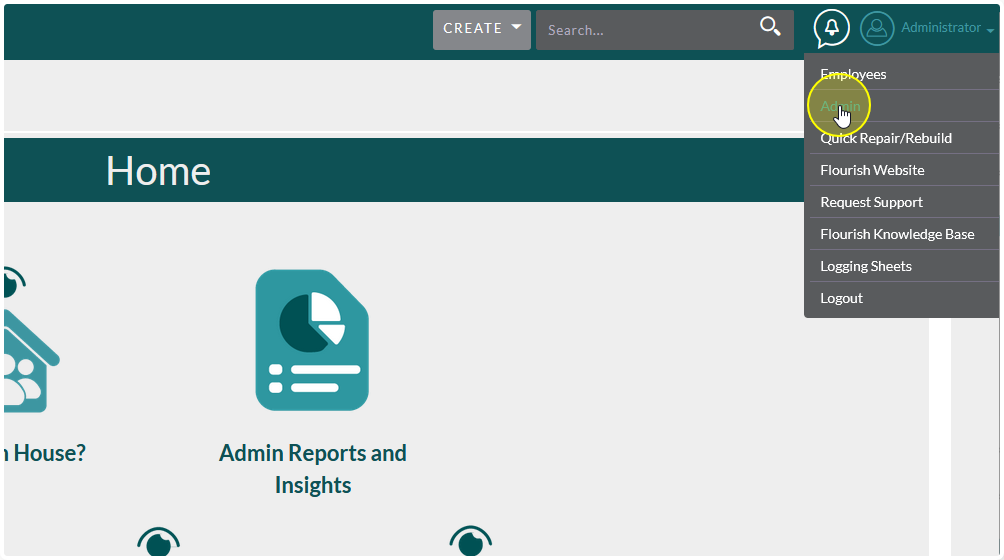
Click Admin
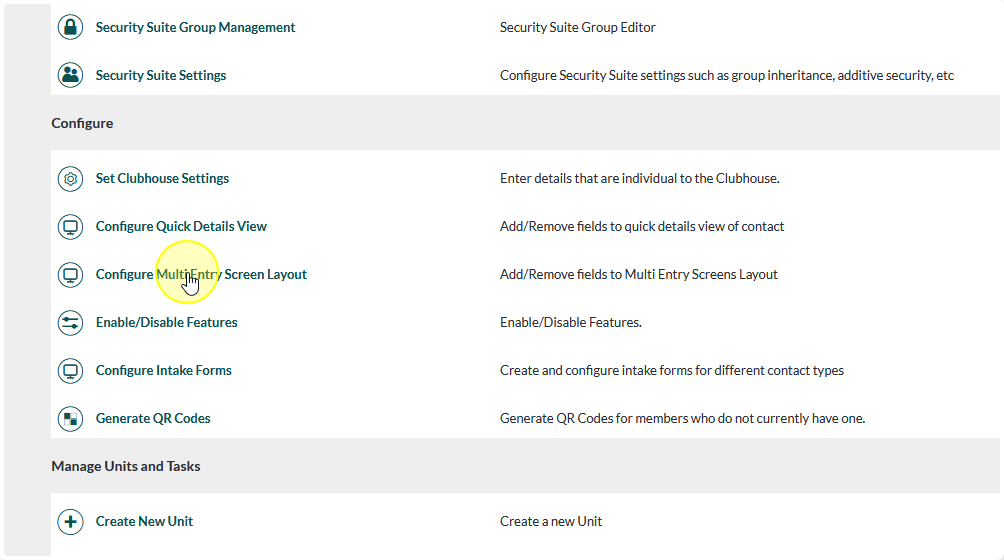
In the Configure section of the Admin Panel click Configure Multi Entry Screen Layout
Setting the Layout #
Choose the module you’re editing
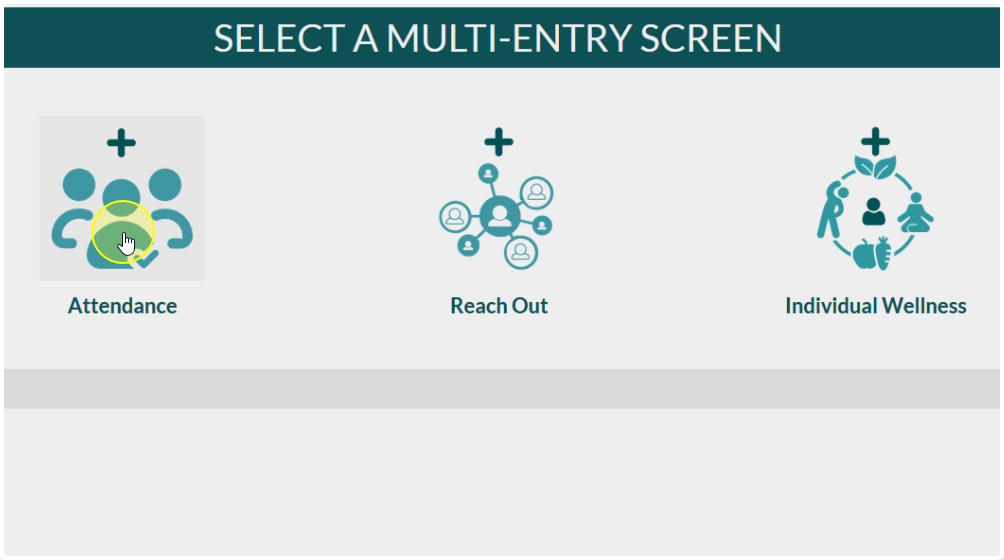
Drag and drop items between Hide Fields and Show Fields until you have the layout you want.
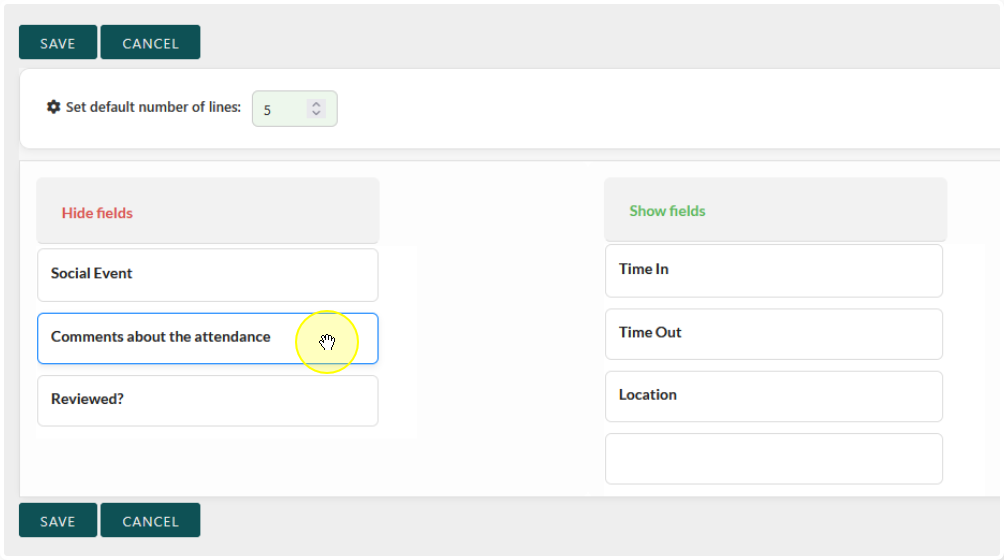
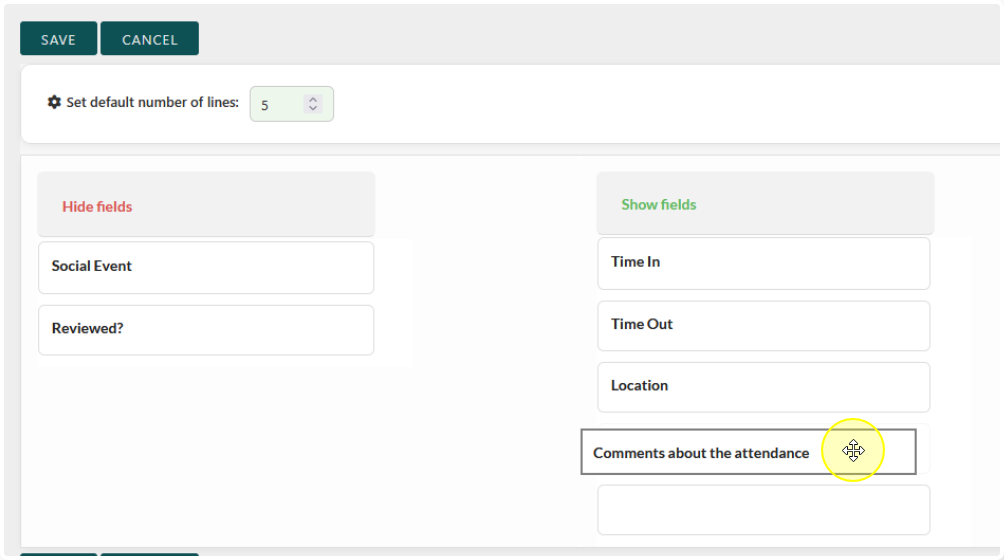
You can also set the default number of lines that will appear on the page
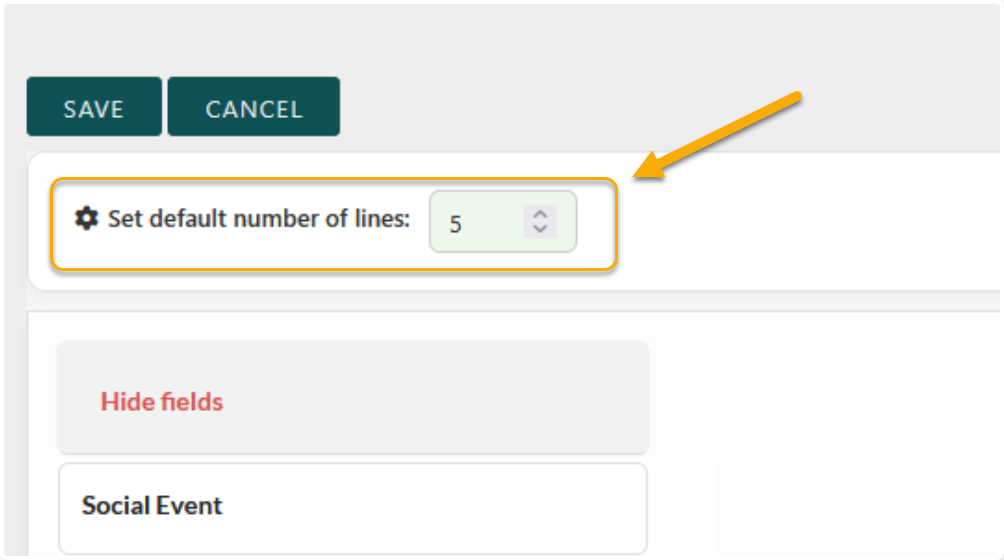
Try not to set the default number too high or it could cause issues with saving the page.
We recommend matching the default number of lines to your Sign In sheet
When you’re satisfied with the layout, click Save
Note:
Date and Contact are not included in the configuration. They always are included, no matter what layout you set.
This prevents errors with the “By Date” and “By Contact” options.