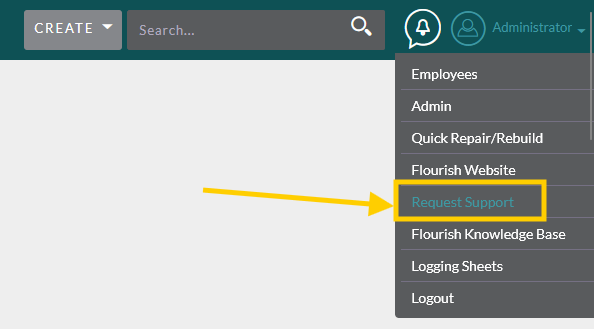
This can only be done by admins.
This type of error is what you should see before this tutorial

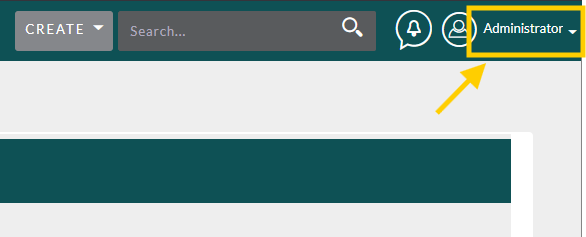
Hover over your username in the upper right hand corner
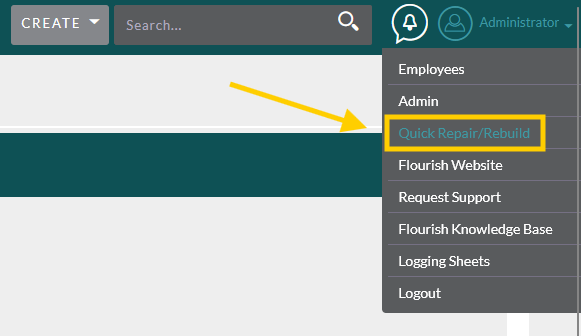
Click Quick Repair and Rebuild
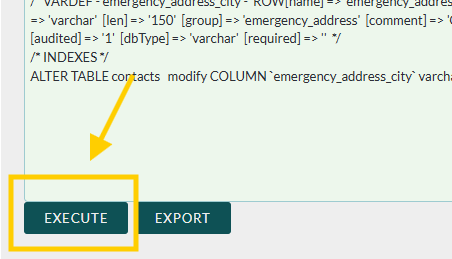
Look toward the bottom to see if you see a green box that says “Differences found between database and vardefs”
Note: The contents of the box don’t matter. Just check for the presence of the box
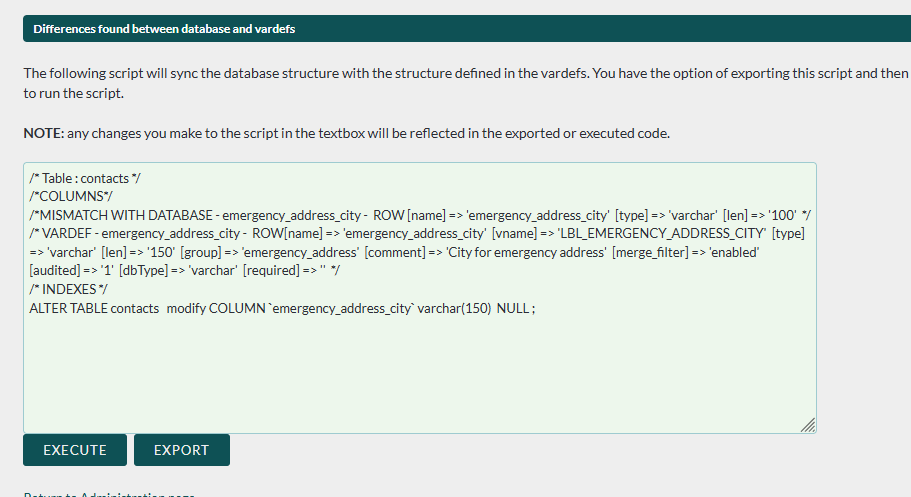
If you see this box, click Execute
See if you can now log data in the module that was failing
If this doesn’t fix your issue please submit a support ticket so that my team can begin looking into it further!
https://clubhousedata.org/request-support/