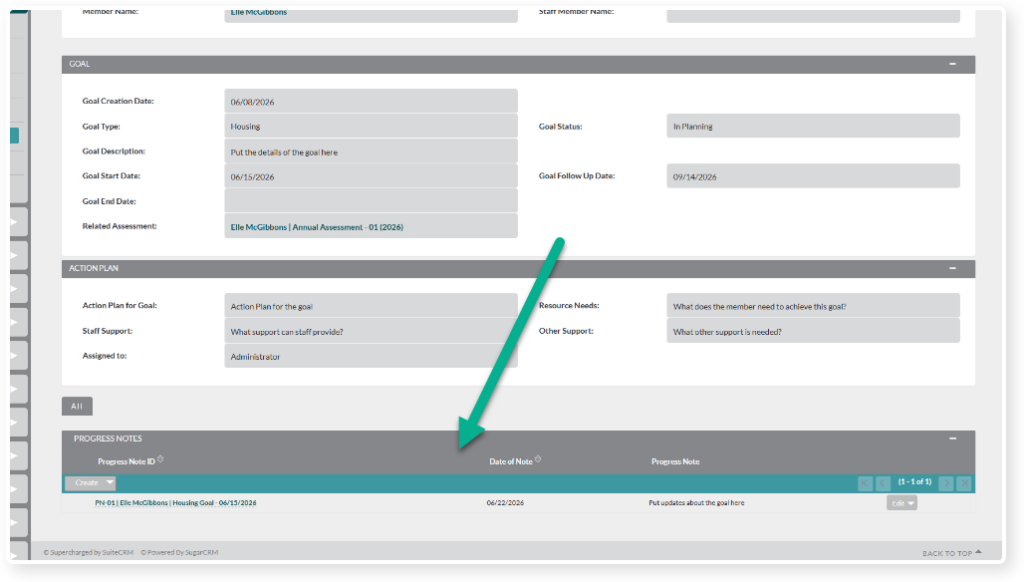
This is not the only way to create a progress note in Flourish. It is just our recommended workflow
Navigation #
Navigate to the goal you would like to record progress for
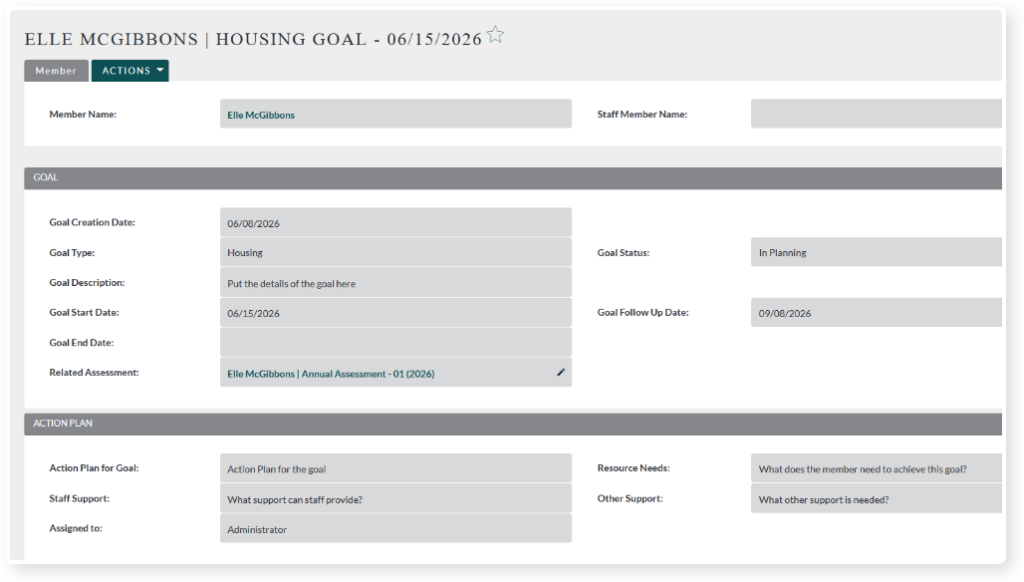
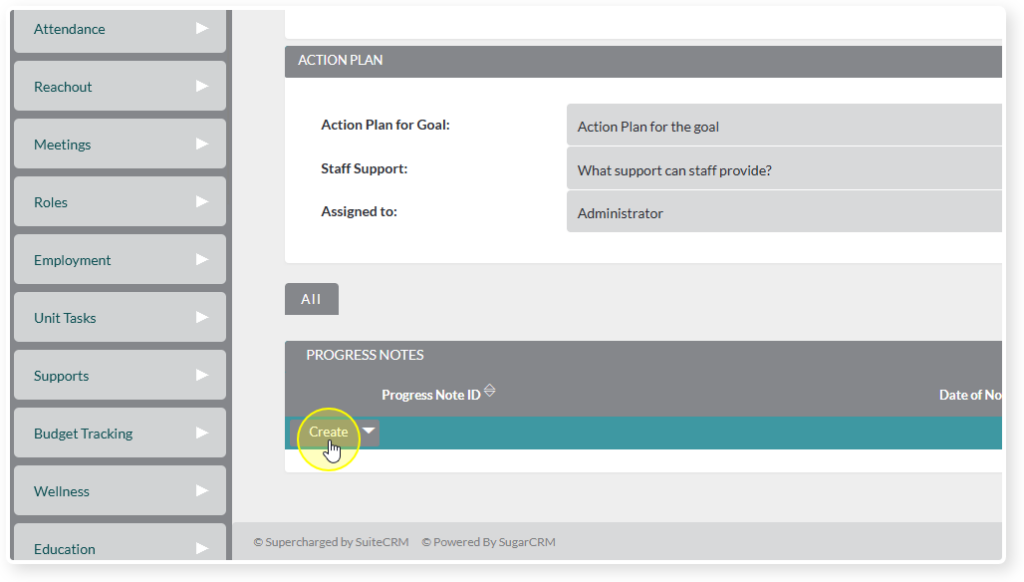
Scroll to the bottom of the page and find the Subpanel labeled Progress Note
Note: You may have to click on the bar to expand it.
Click Create
Creating the Note #
Note: You do not need to add a member name to Progress Notes created this way. It will auto-fill from the Goal information
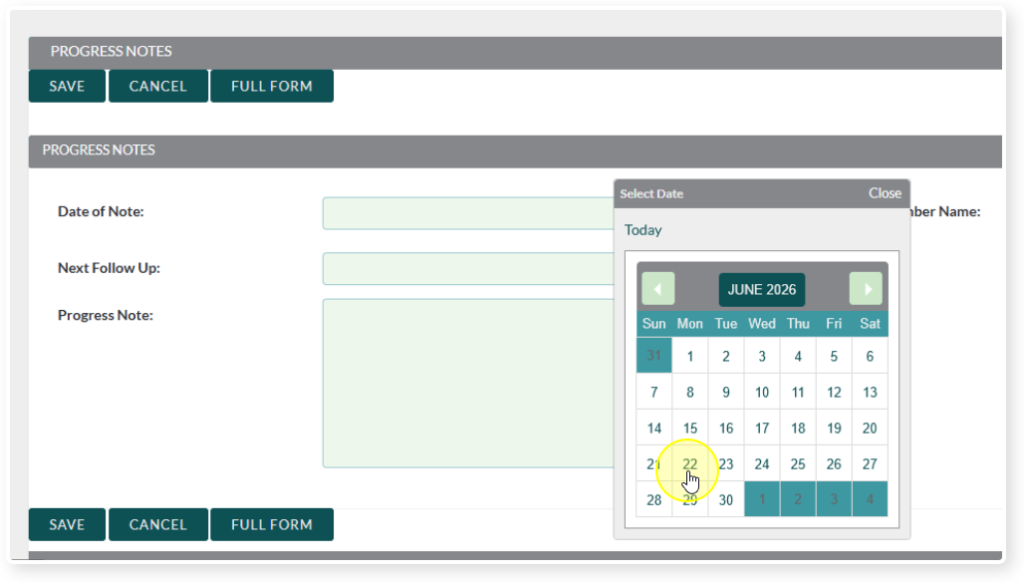
Add the Date of Note
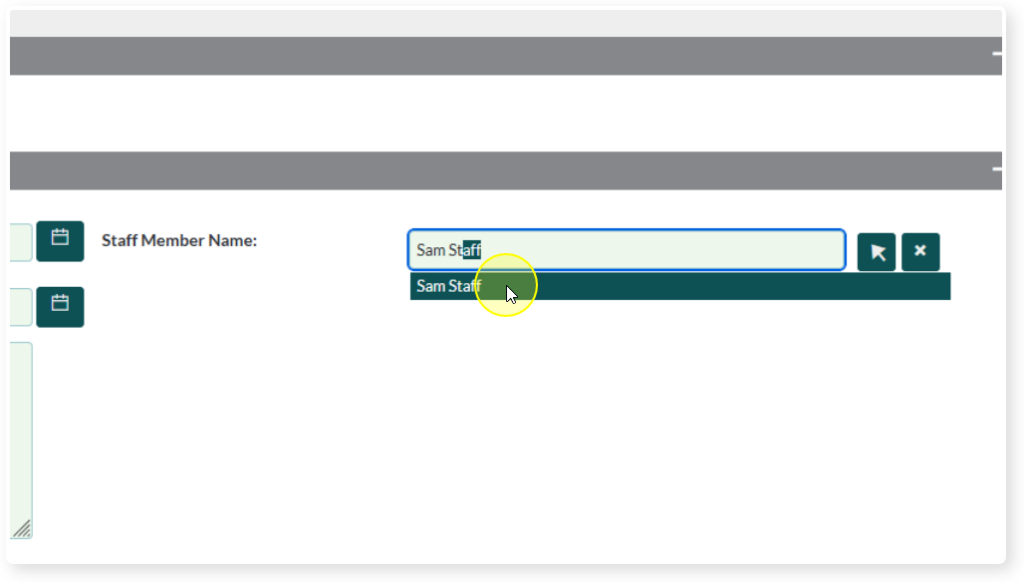
Add the name of the staff member helping with the note
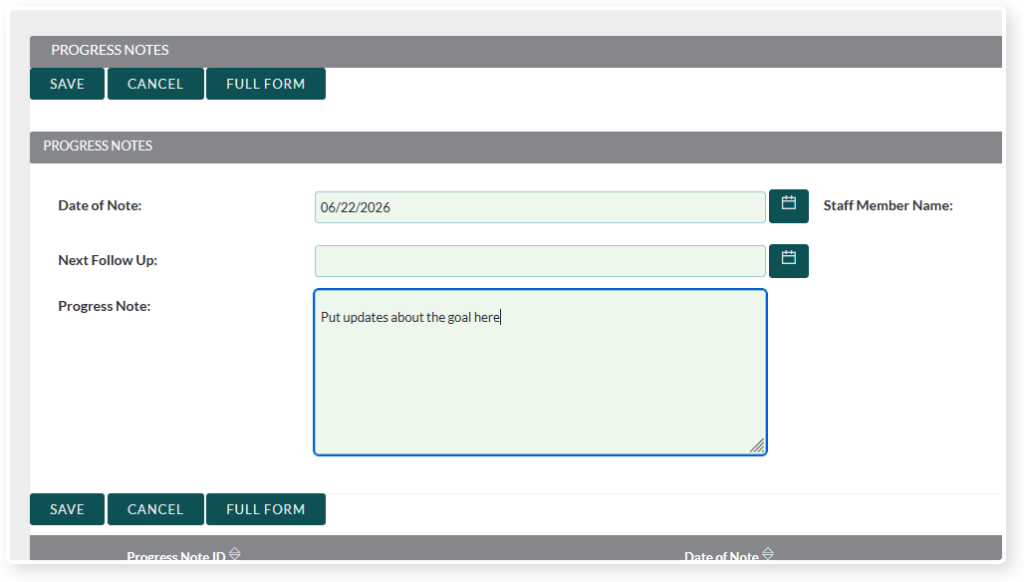
Add the update in the box labeled Progress Note
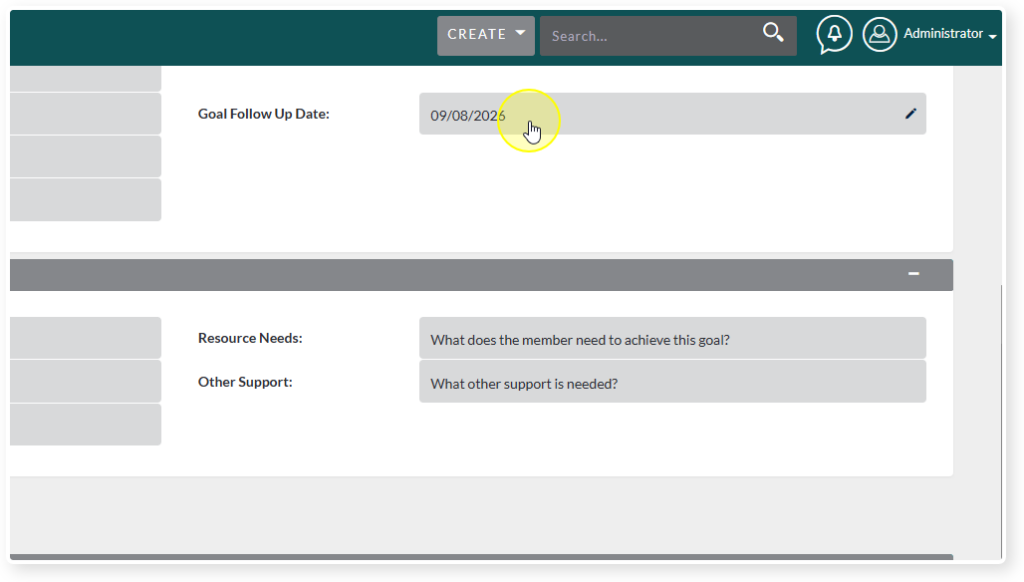
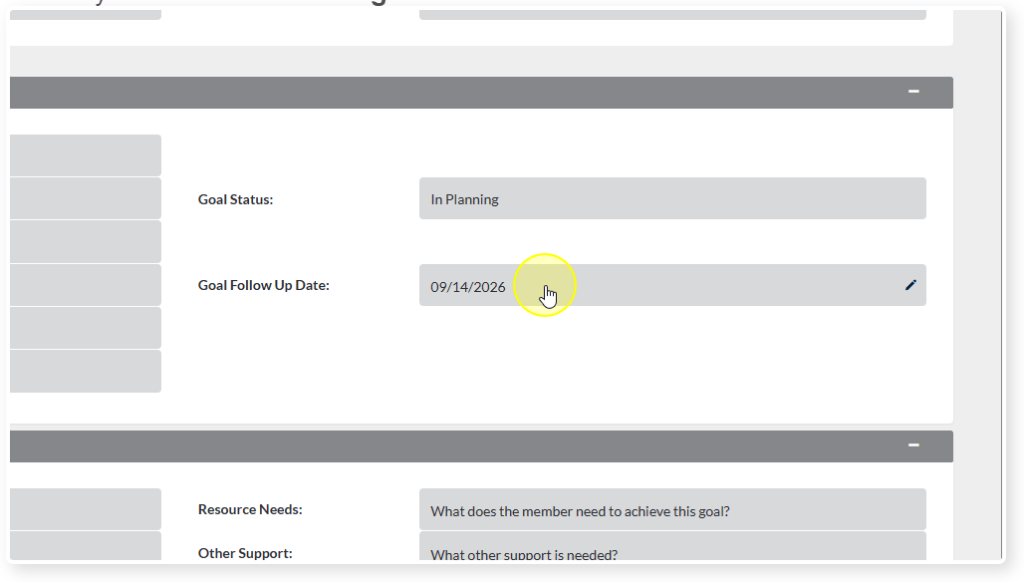
Before you add the Next Follow Up Date, take note of the Goal Follow Up Date.
Add the date when you would next like to update the goal

Save the Progress Note
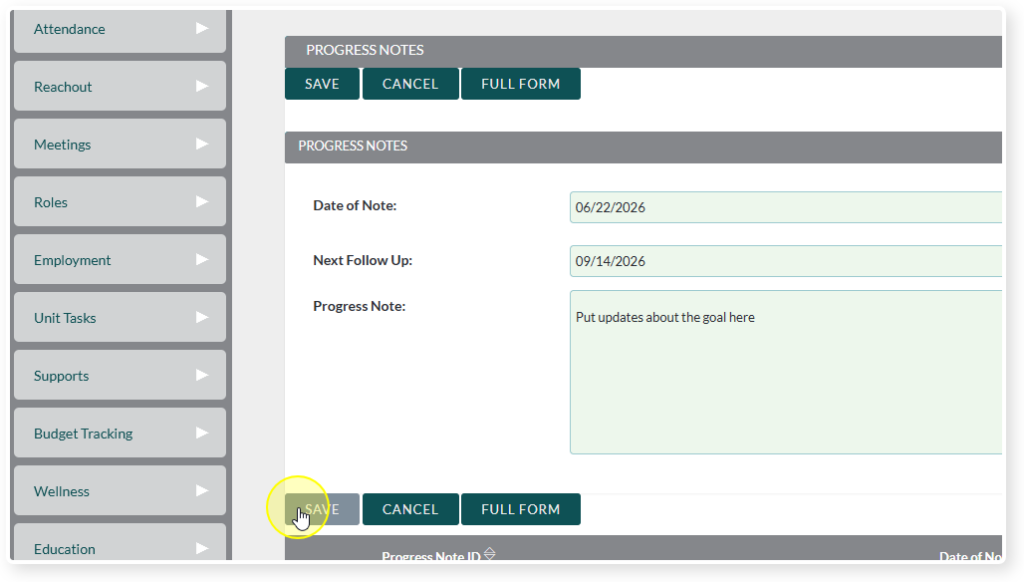
Refresh the page and notice that the Goal Follow Up Date has changed to the date you entered in the Progress Note
The Progress Notes will show up in the subpanel below the Goal information